 Calculator 365
One place for everyday maths.
Quick calculations, scientific formulas, percentages, units and dates. Five modes keep the right tools in one familiar calculator.
Planned for iPhone, iPad and Android.
- 5
- Calculator modes
- 8
- Unit categories
- Light + dark
- Appearance
Five modes. One familiar calculator.
From everyday sums to scientific formulas, finances, conversions and dates: choose the tools for the task.
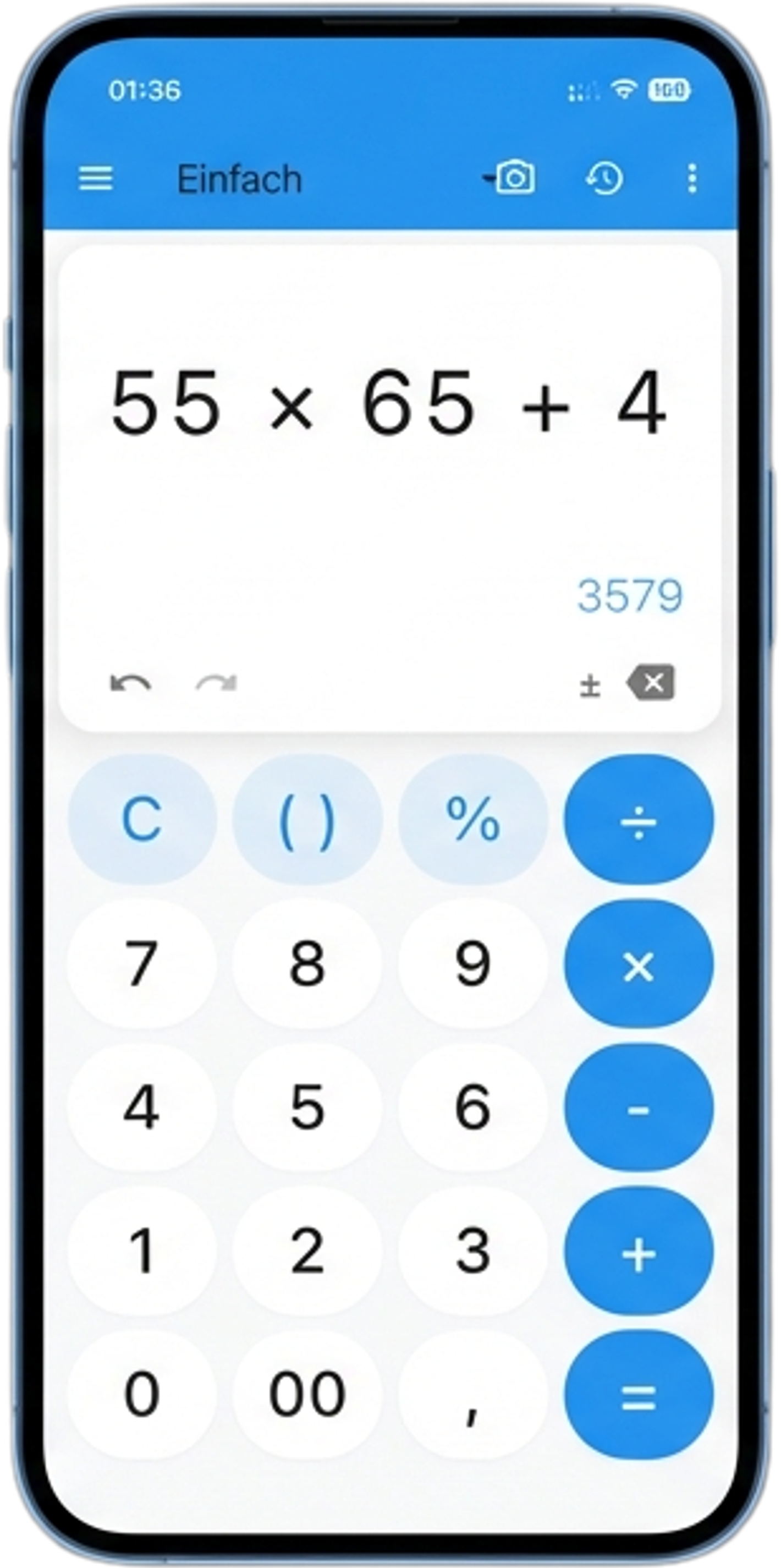
Start simply.
The essential operations at a glance. Large buttons and a clear result keep the next step close at hand.
- Arithmetic & brackets
- Live result preview
- Percentages & memory registers
Included in Free
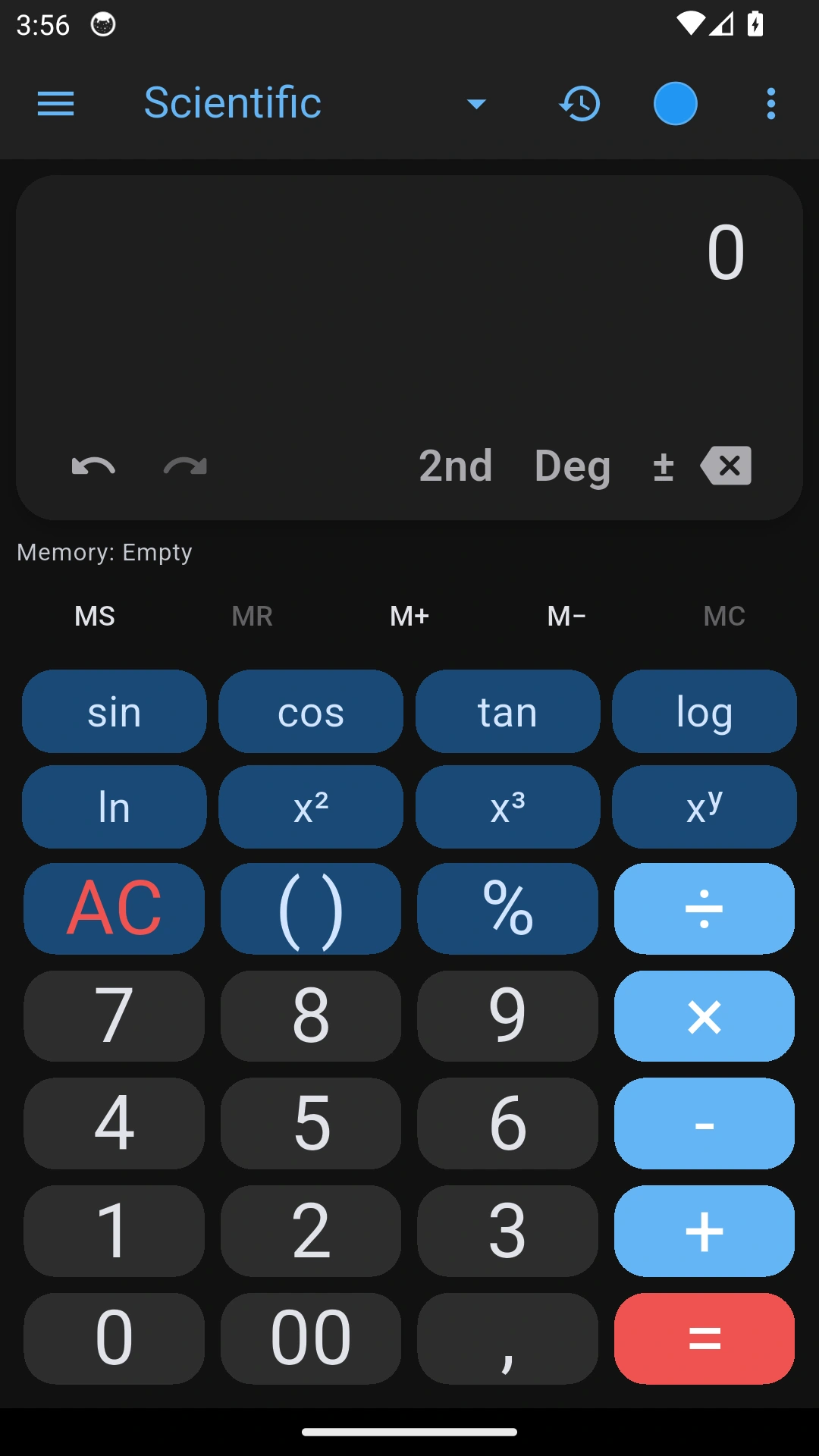
Think further. Calculate precisely.
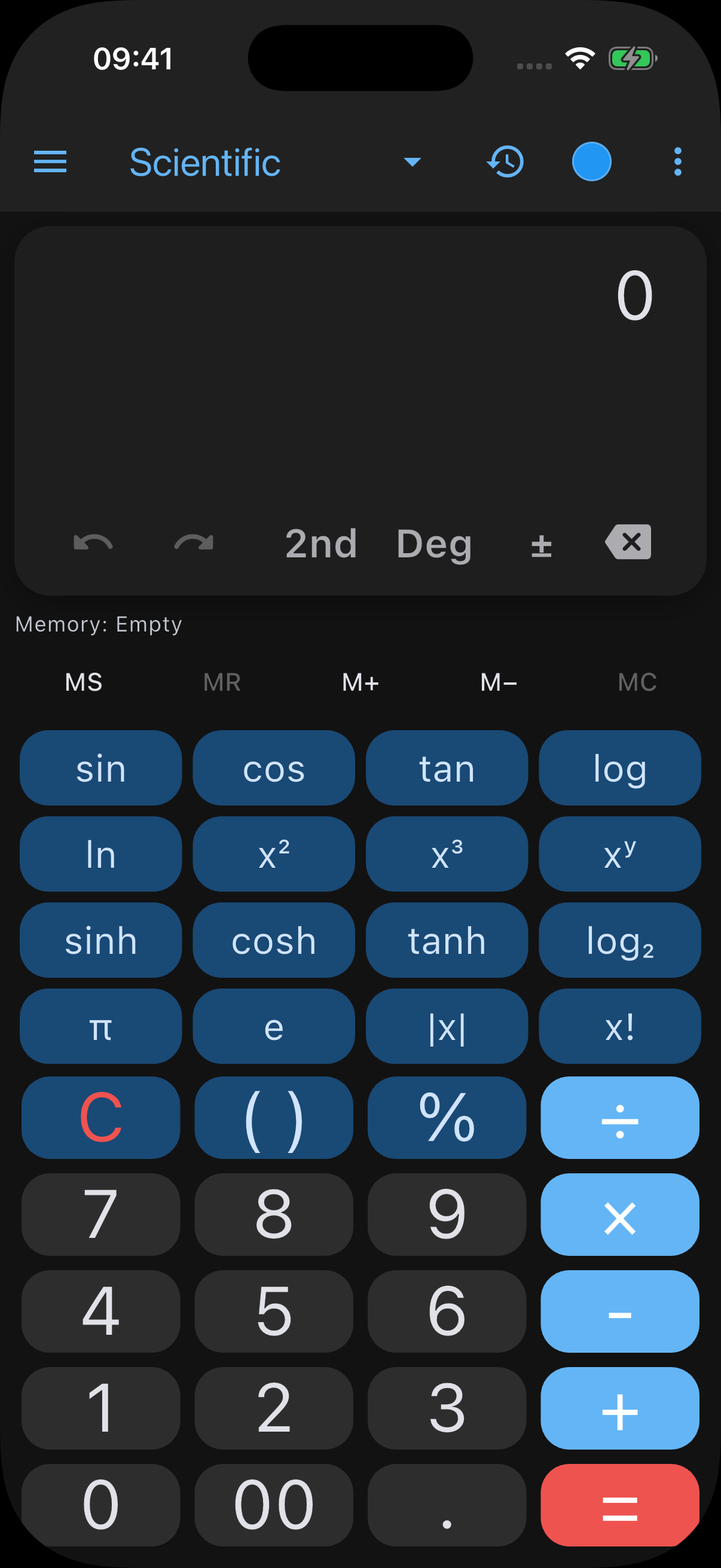
Trigonometry, logarithms, powers and constants. The extended keypad stays right beside your calculation.
- Trigonometry & logarithms
- Powers & constants
- Expandable function keypad
3 successful free calculation chains per local day · Pro removes the daily limit
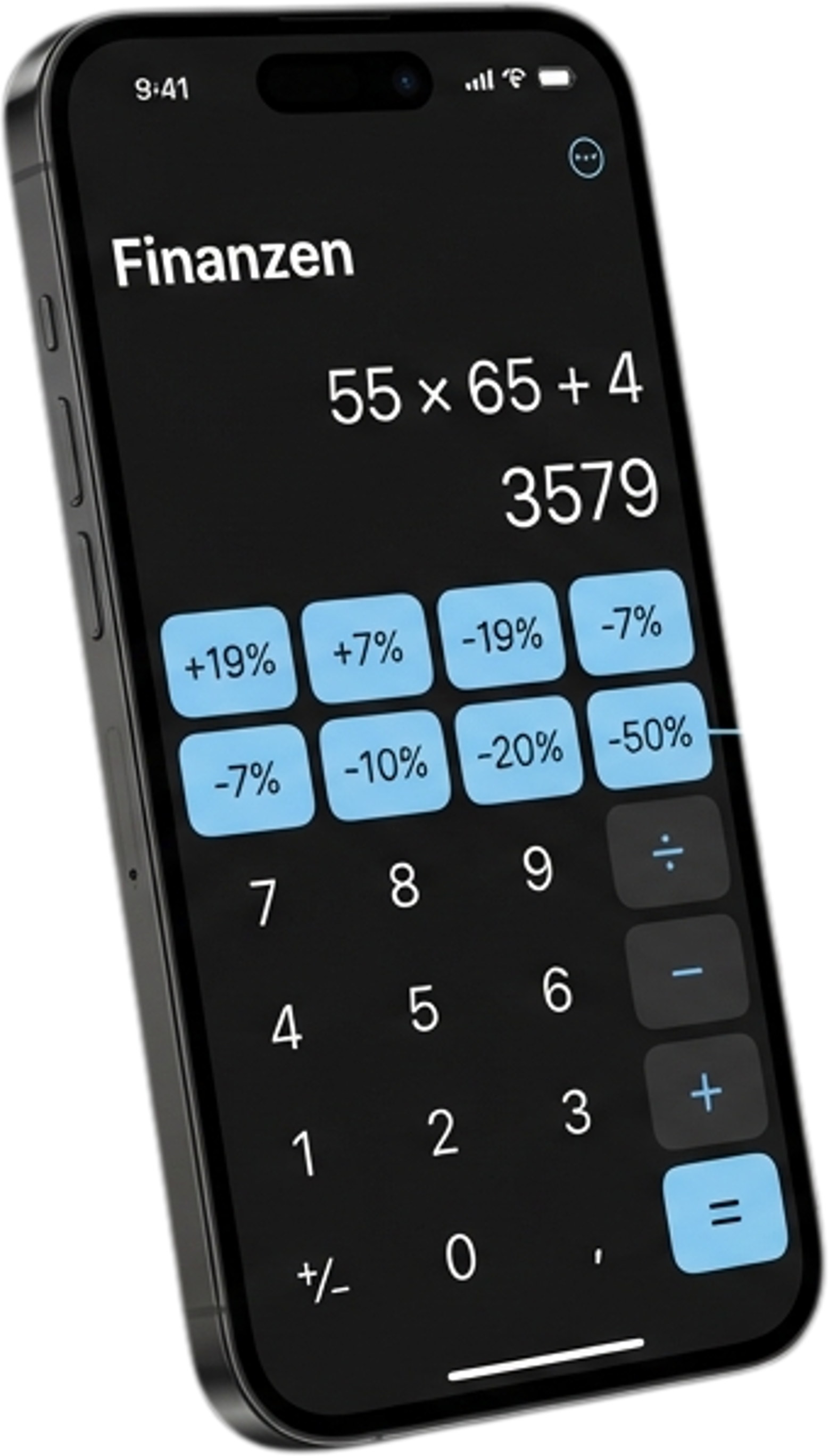
Your values. Your buttons.
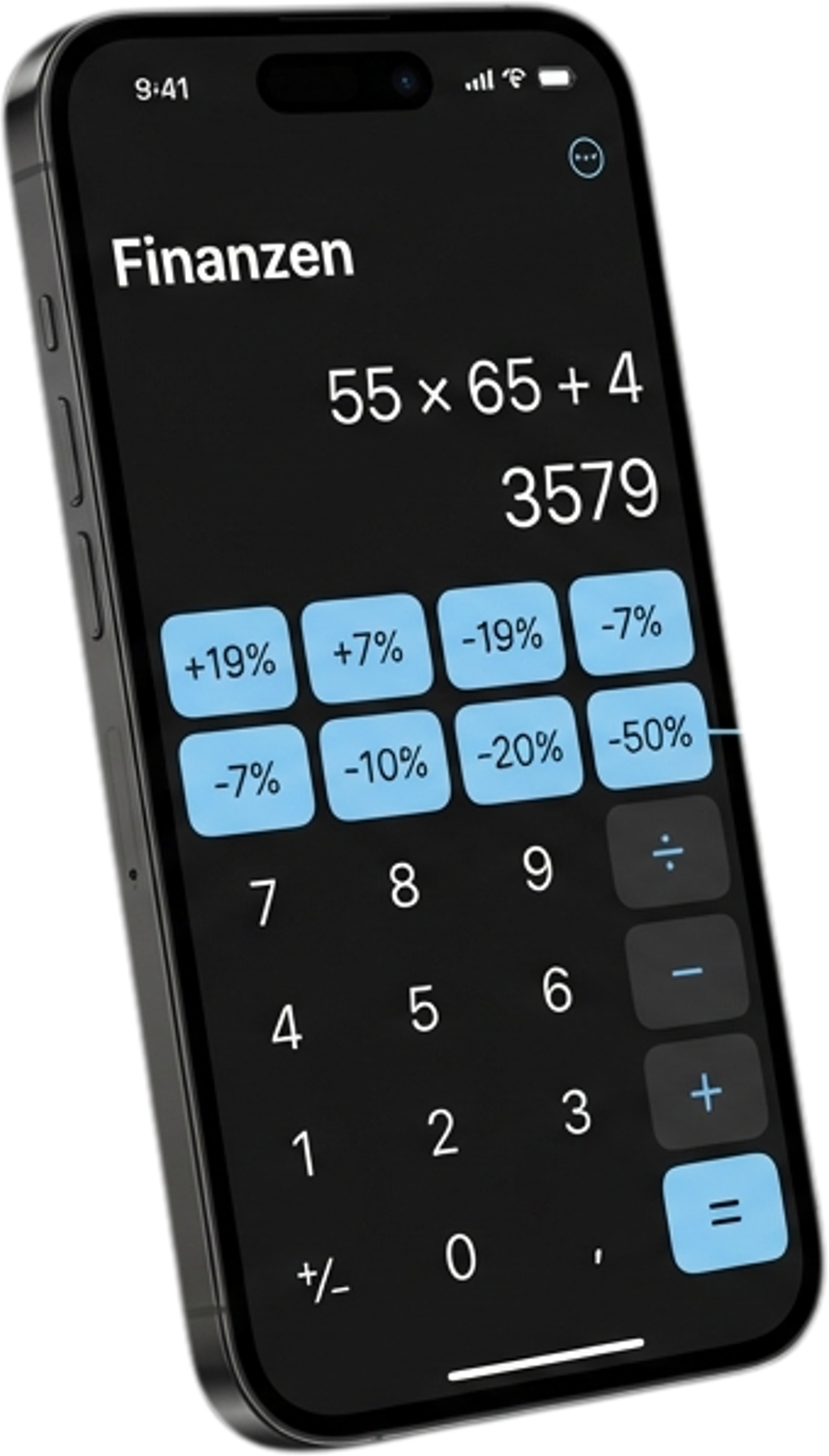
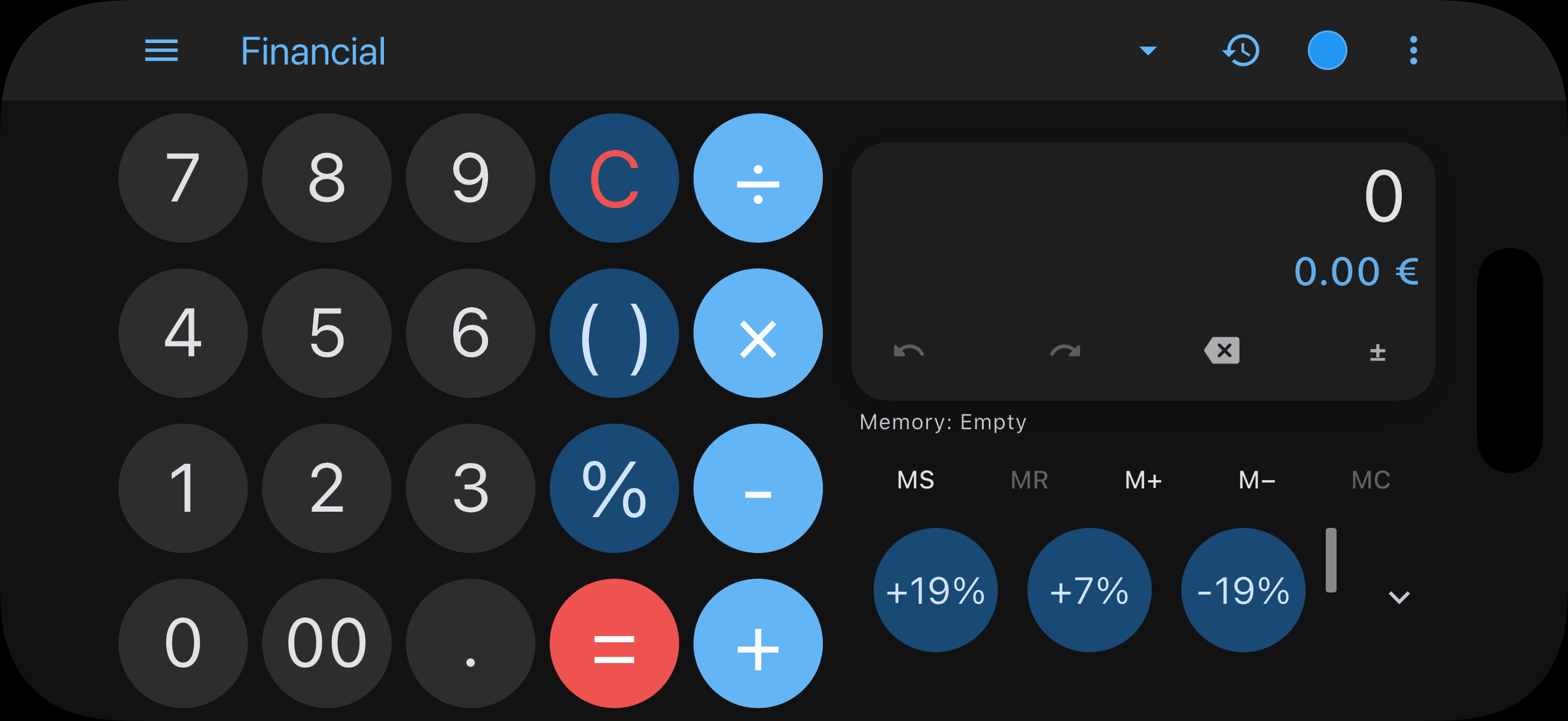
Keep frequently used percentages and tax rates on custom buttons. See the calculation and its breakdown together.
- Custom percentage & tax keys
- Loan payments, savings & compound interest
- Inflation calculator
3 successful free calculation chains per local day · Pro removes the daily limit
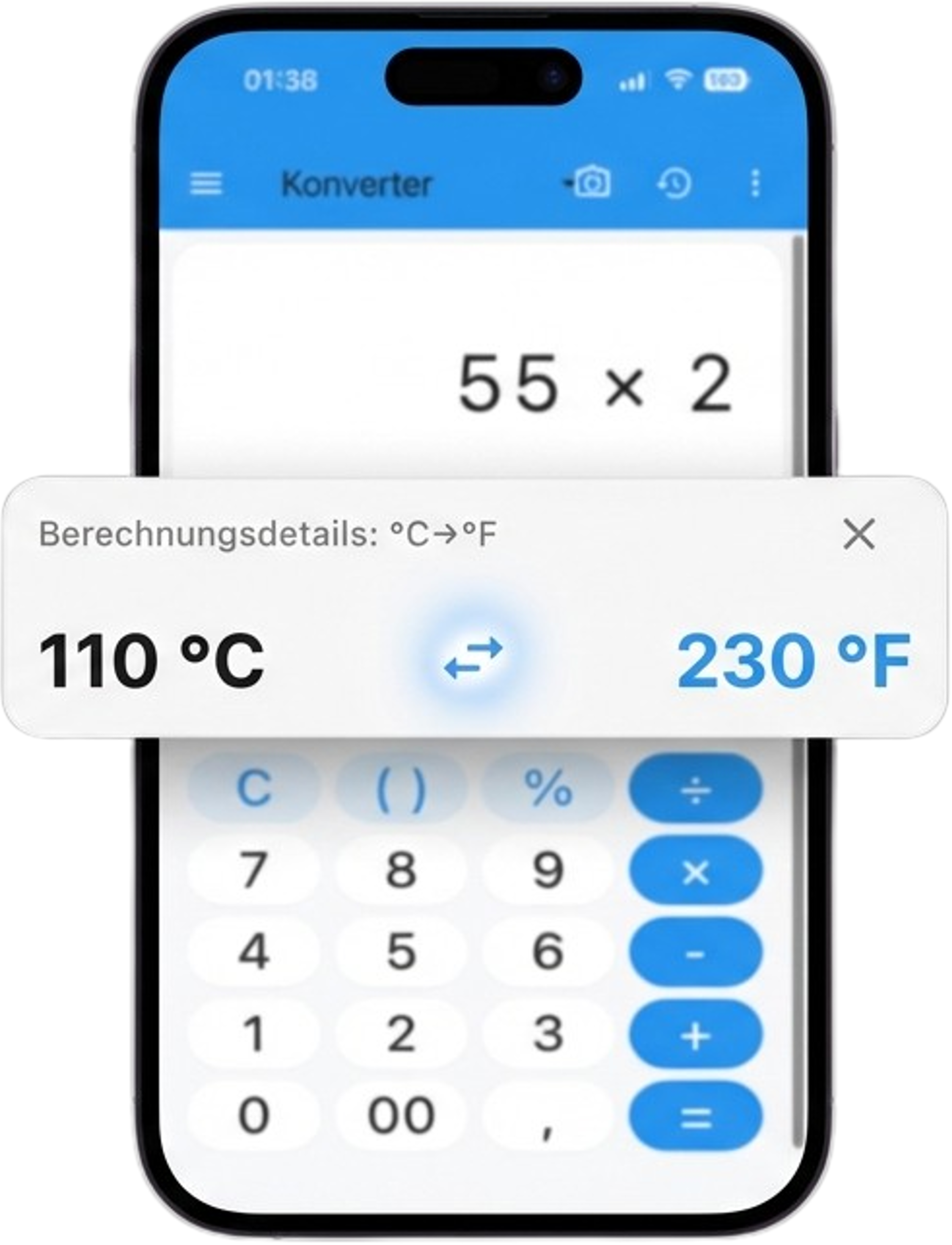
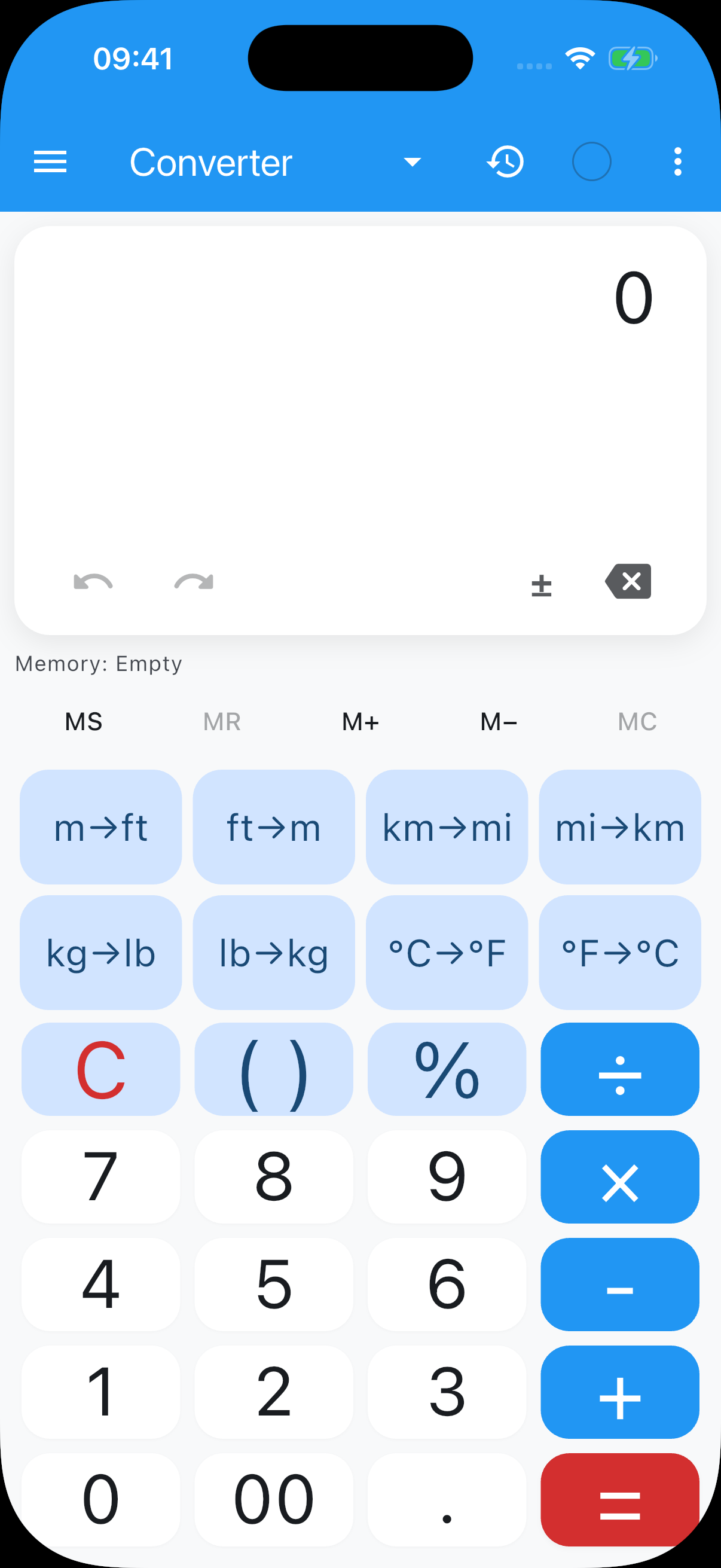
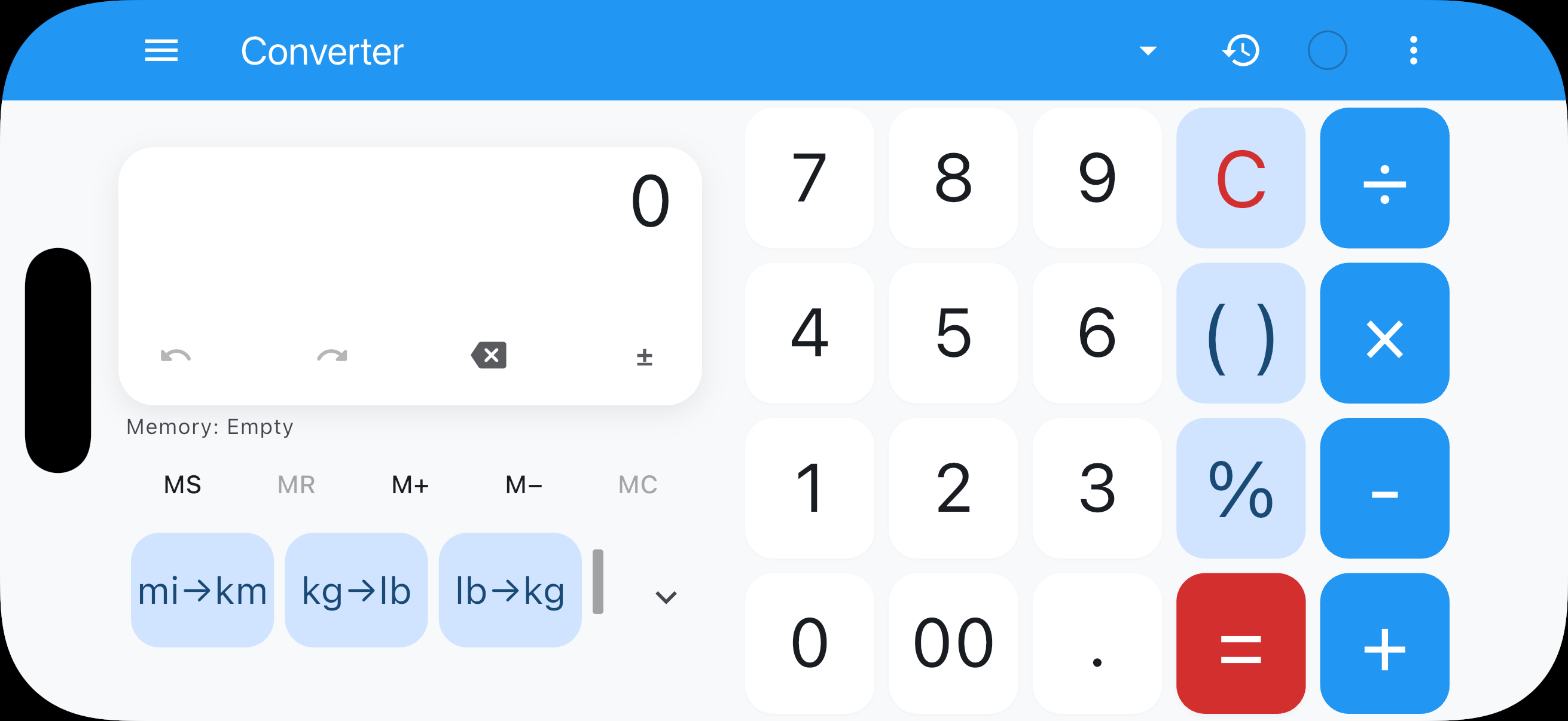
Convert directly.
Keep the original value and result in view. Calculate with units and check the conversion in context.
- 8 unit categories
- Source and result side by side
- Custom converter keys
3 successful free calculation chains per local day · Pro removes the daily limit
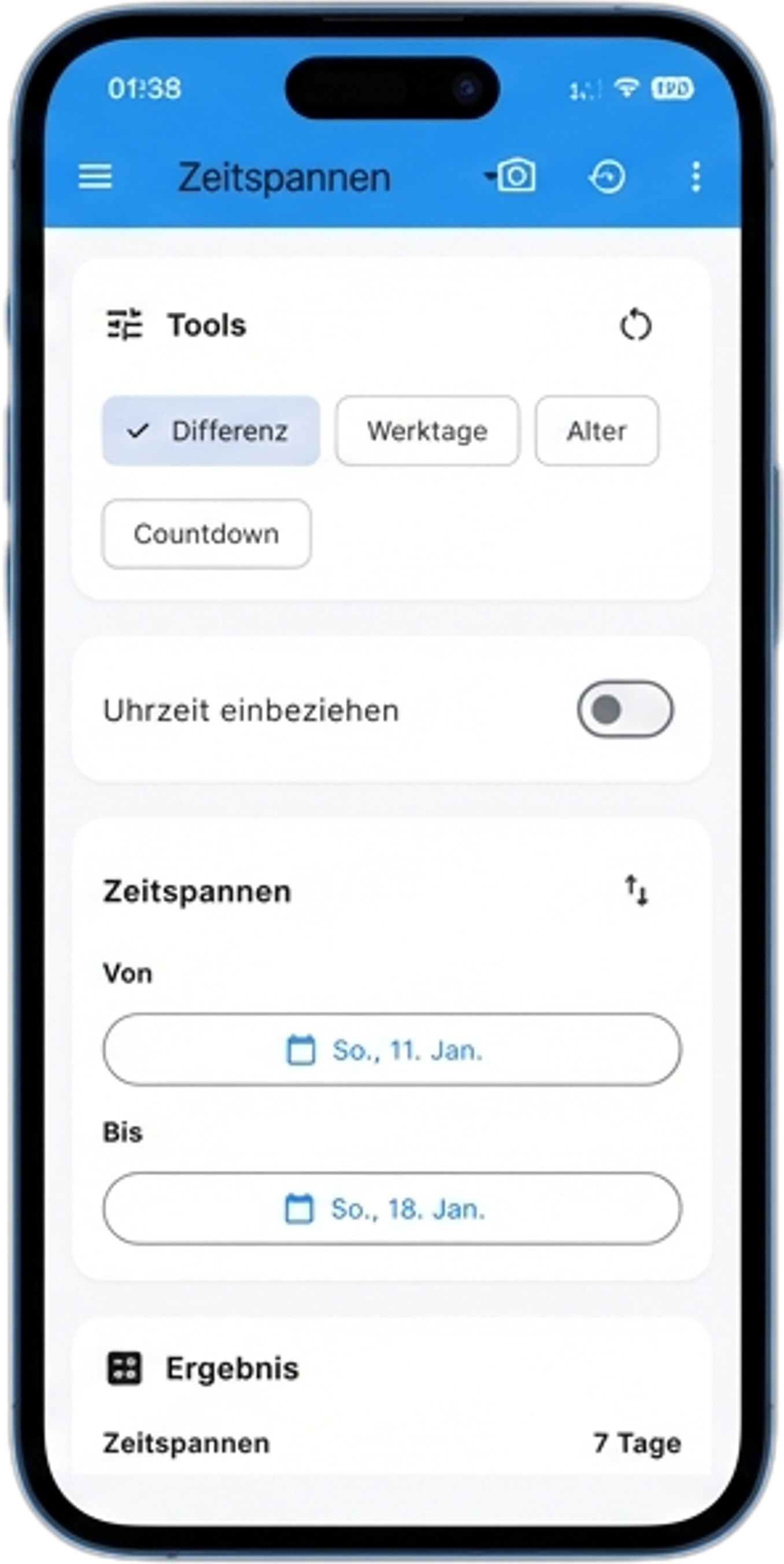
Time in view. Intervals in hand.
Calculate time spans and date differences. A dedicated tool for days and dates complements the classic operations.
- Date differences including time
- Business day & age calculations
- Live countdown to a target date
3 successful free calculation chains per local day · Pro removes the daily limit
More room to calculate.
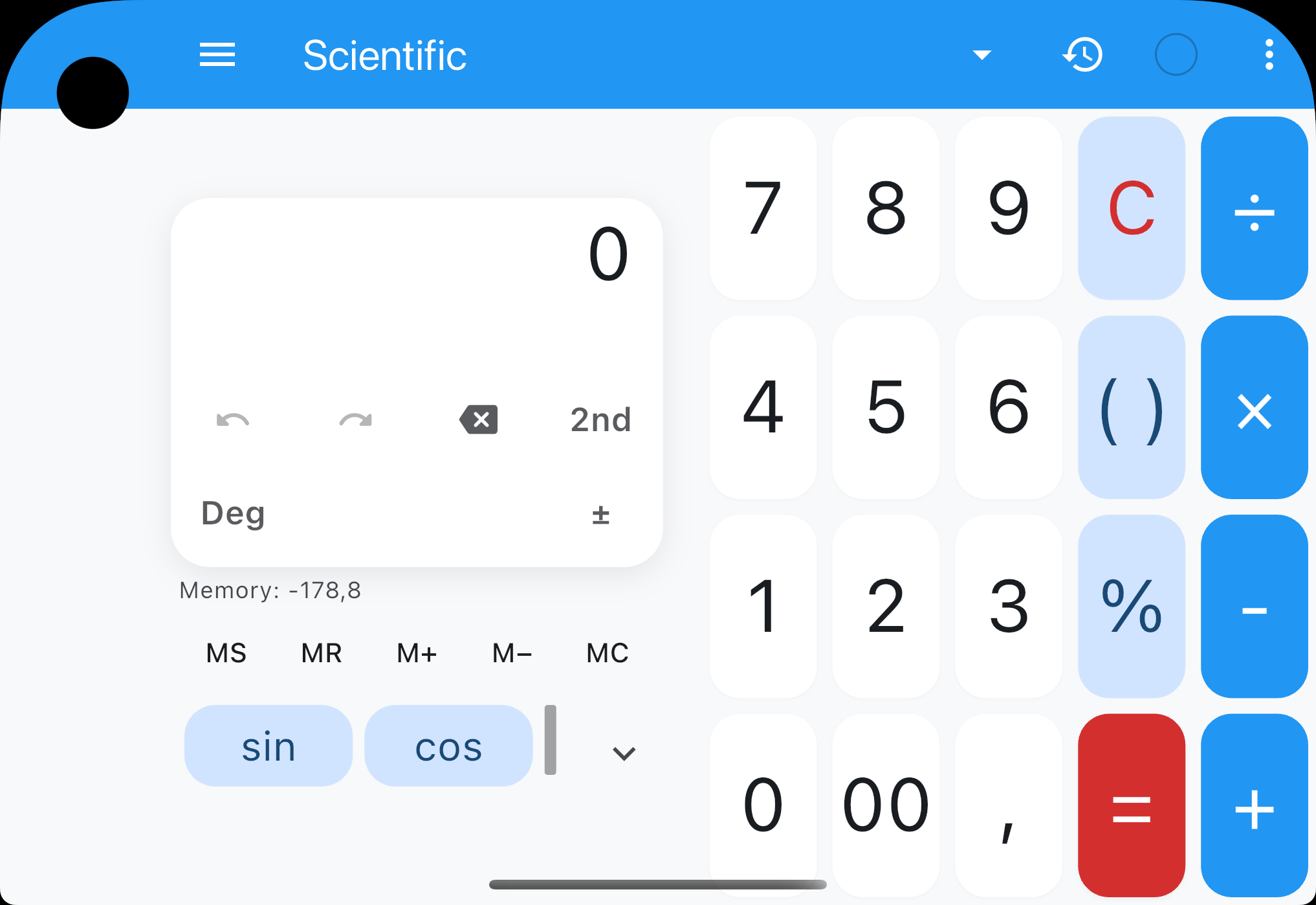
A familiar calculator view, compact or unfolded.
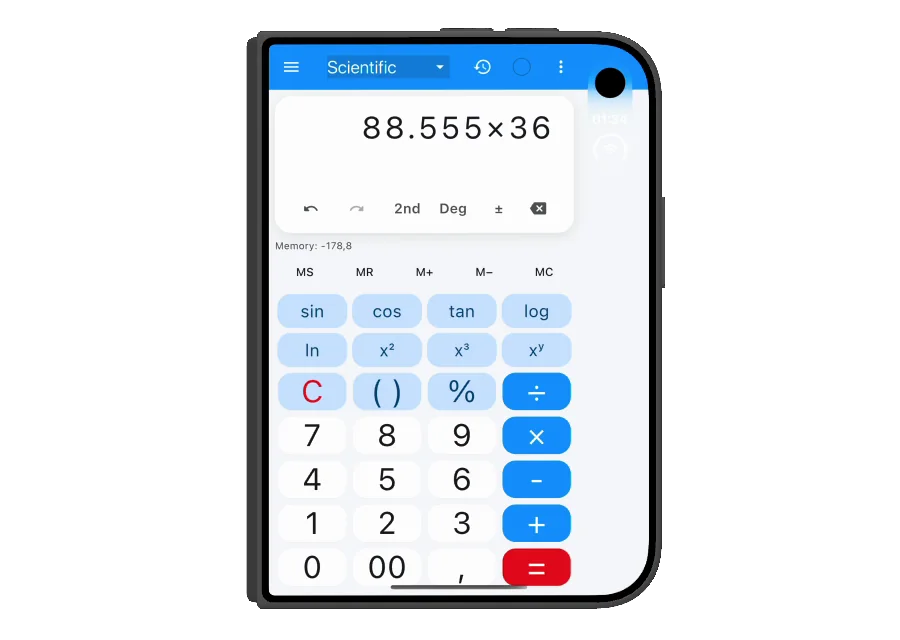
From wide to tall.
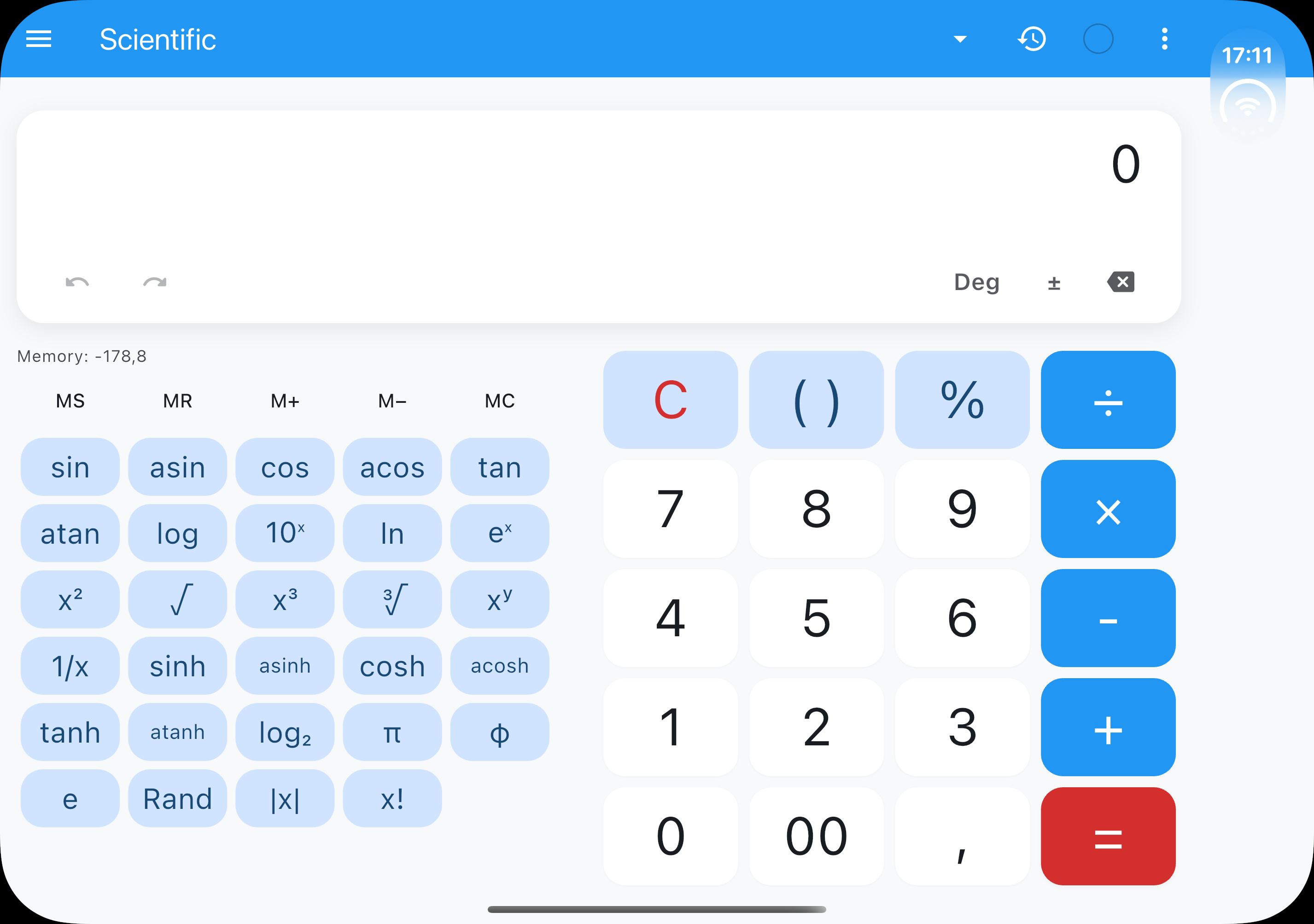
The scientific calculator in two views.
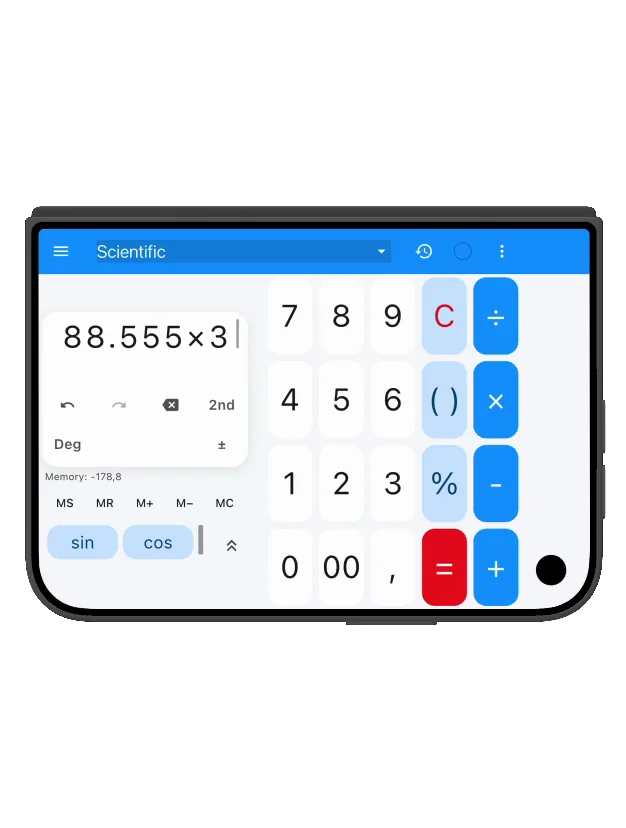
One calculator. Different views.
Foldable · open · Scientific
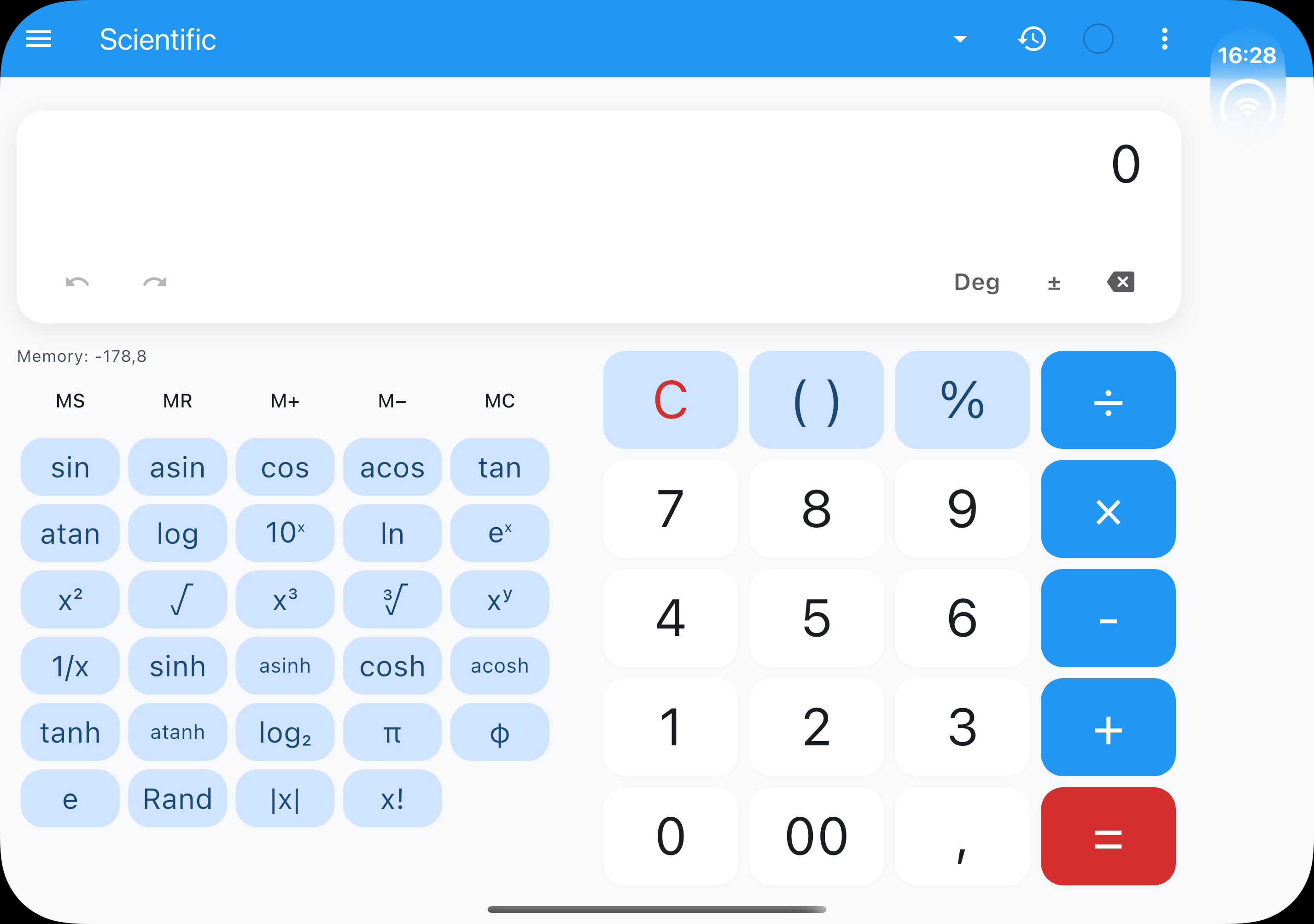
Foldable · closed · Scientific
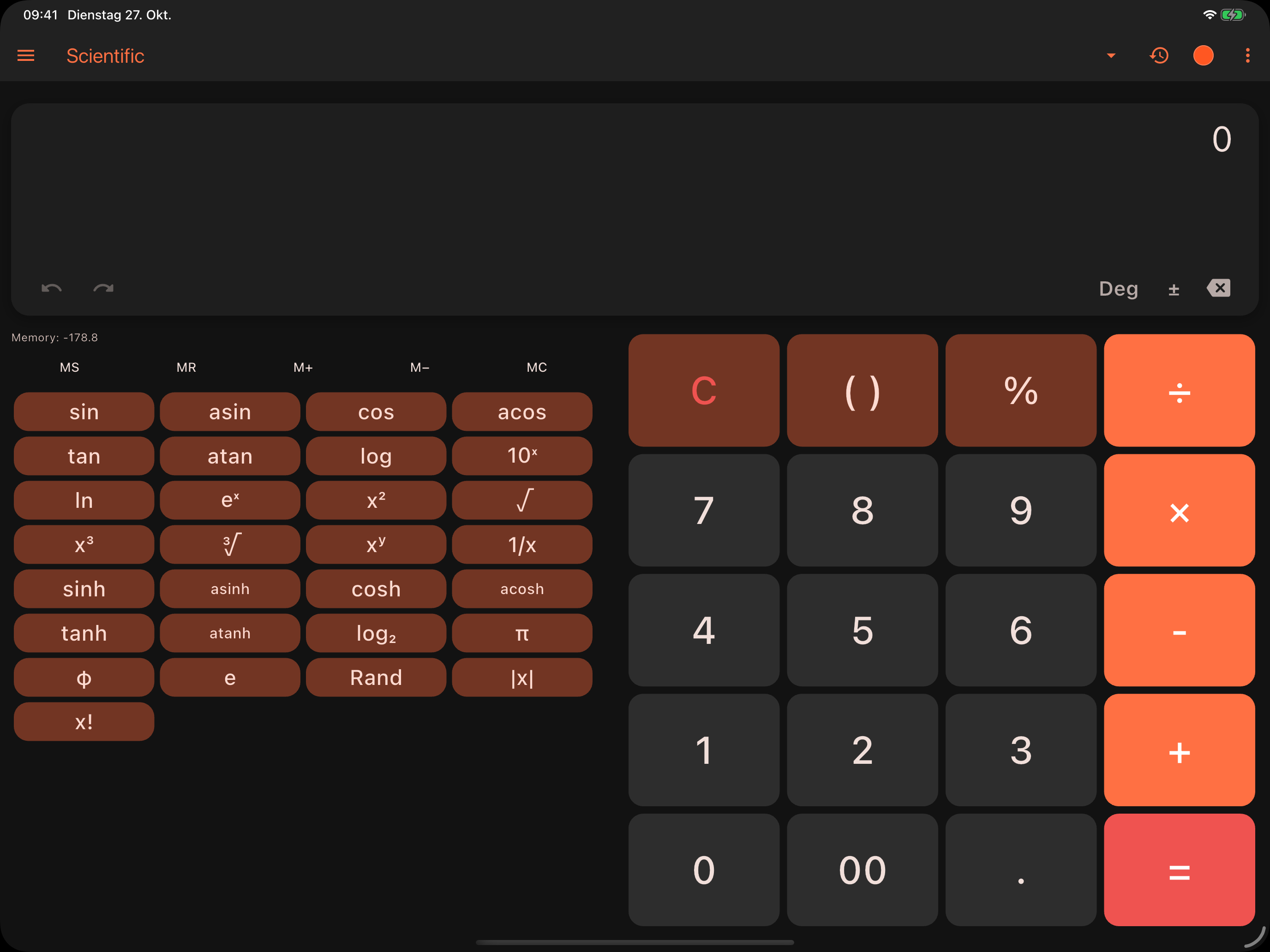
iPad Pro · Scientific
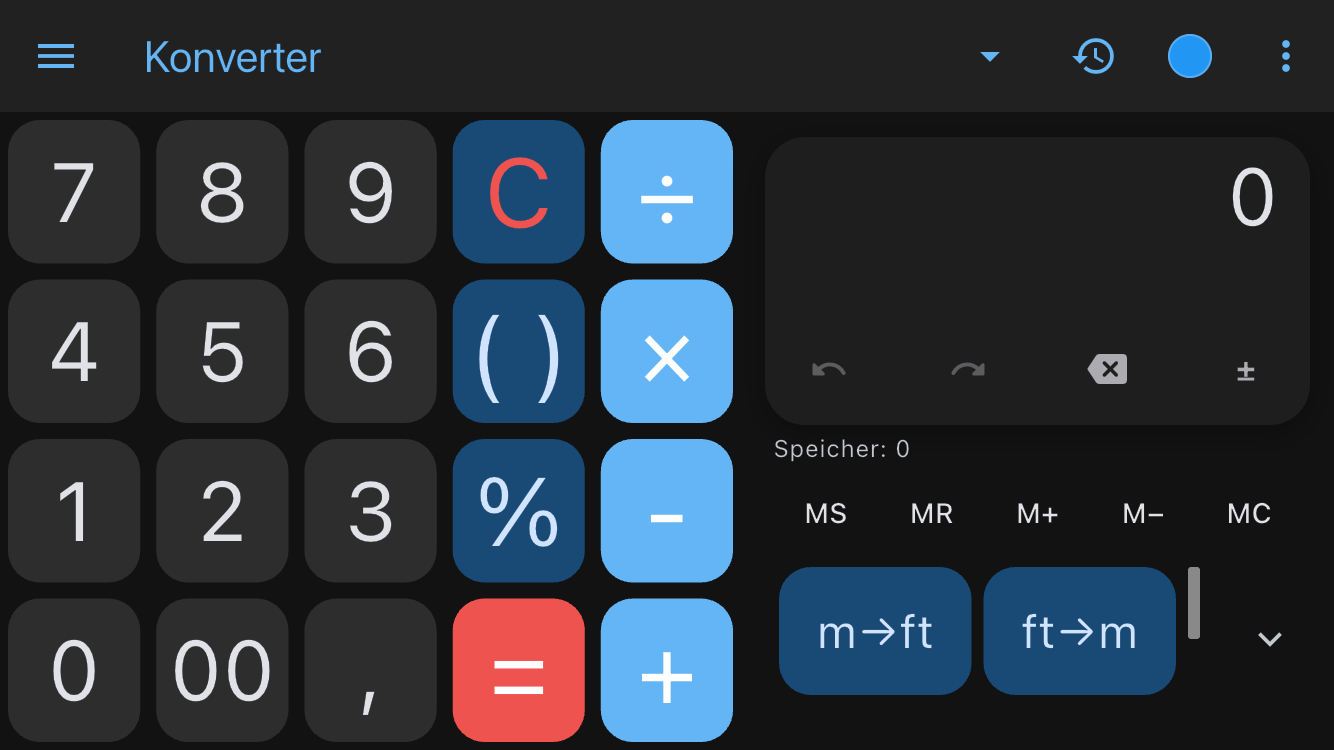
iPhone 17 Pro · Converter
iPhone 17 Pro · Scientific
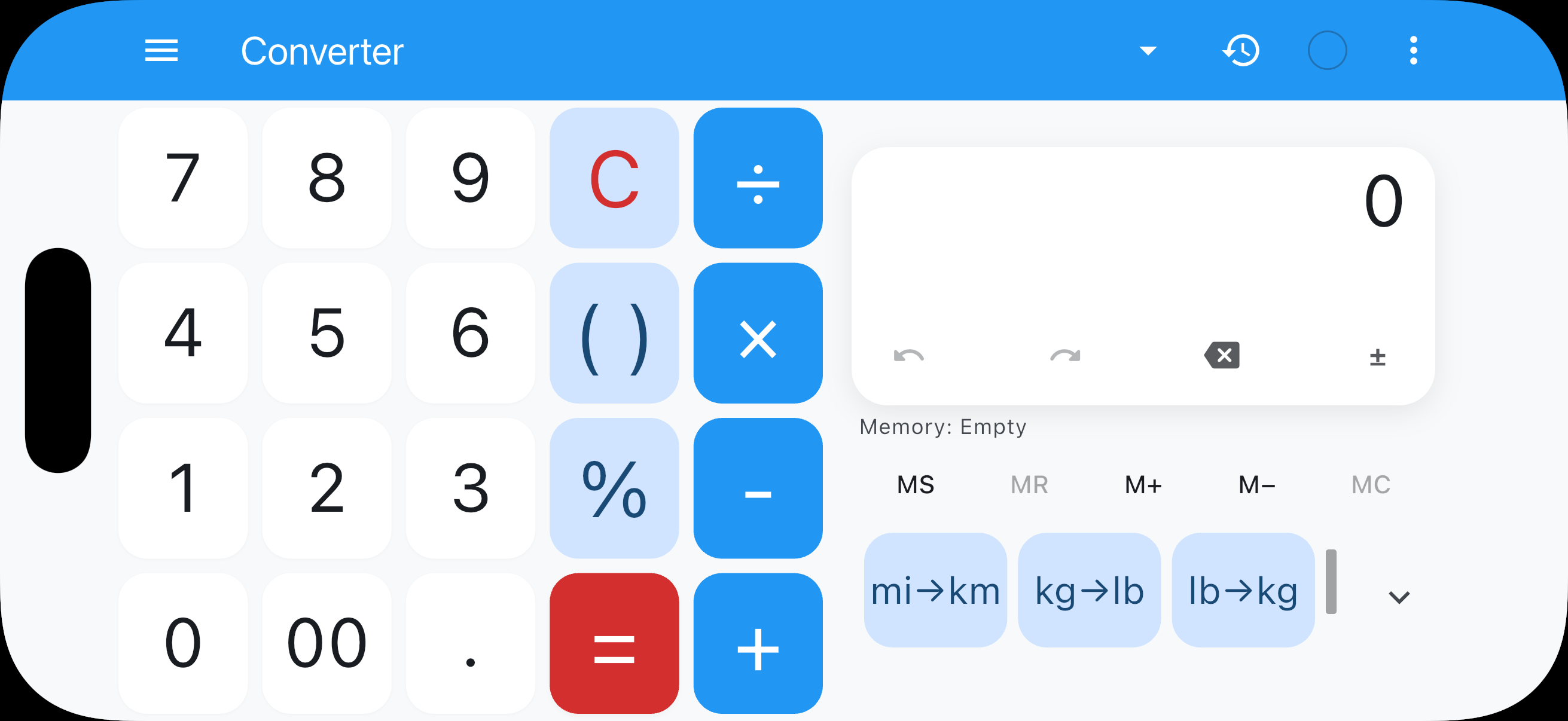
iPhone 17 Pro · Converter landscape
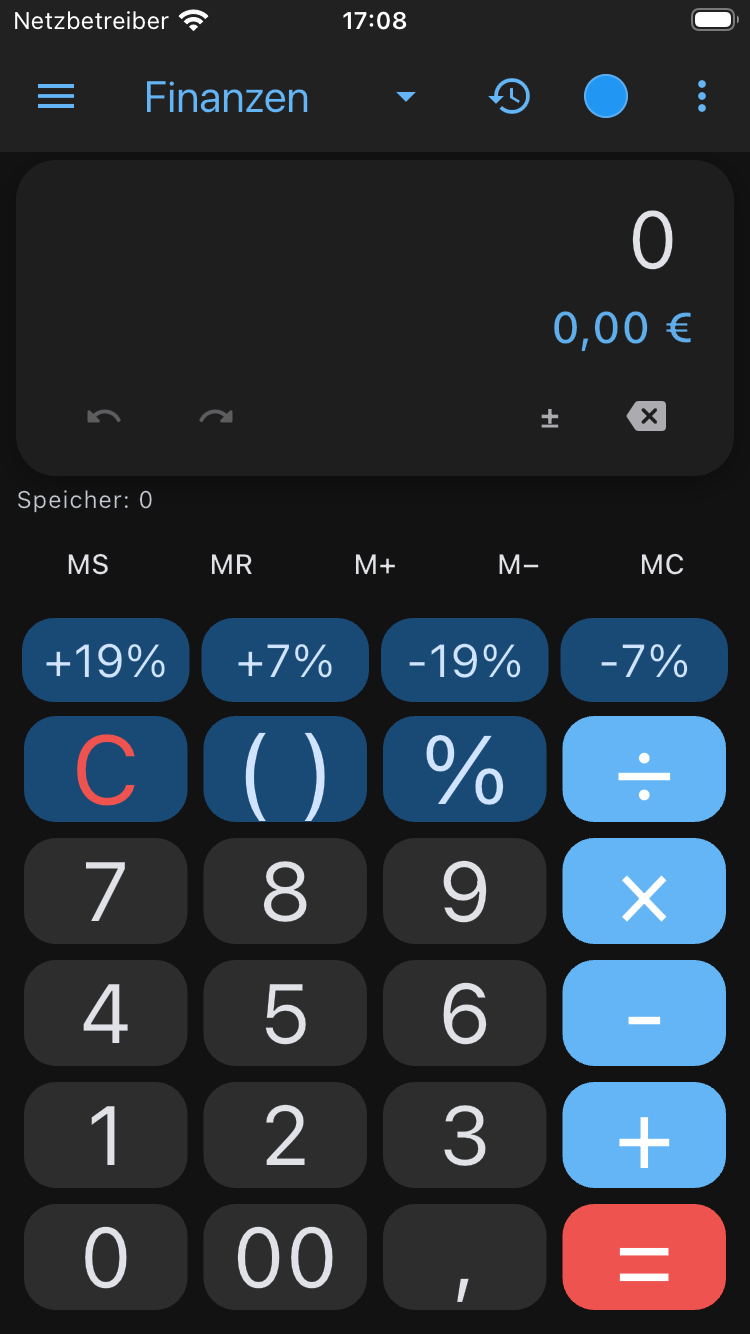
iPhone 17 Pro · Finance
iPhone SE · Converter
Foldable · open · Scientific
iPhone SE · Finance
iPhone 17 Pro · Converter, keypad left
Less starting over. More carrying on.
Pick up past calculations, choose your colours and keep frequent conversions at your fingertips.
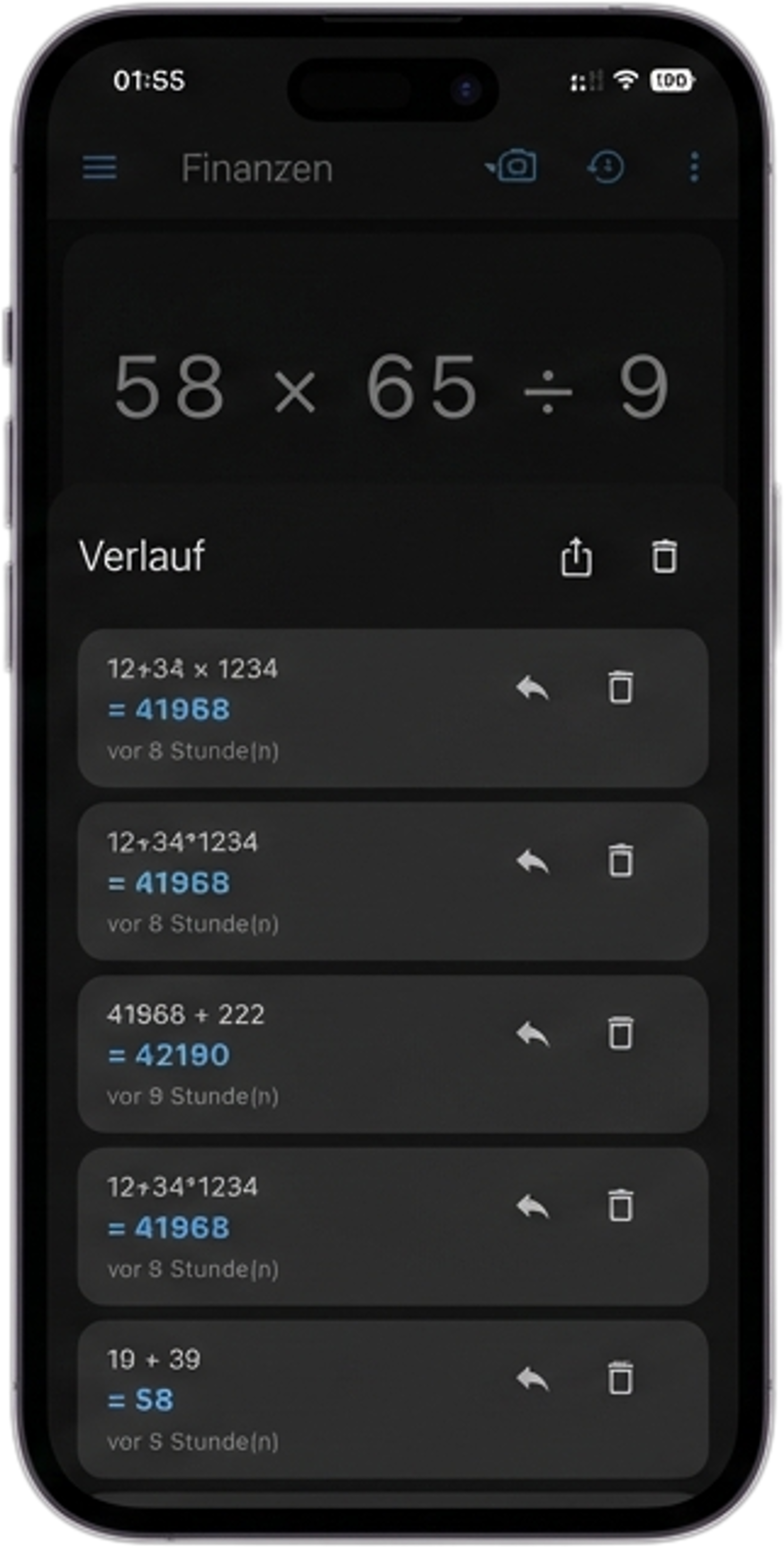
Pick up where you left off.
Look back through your history and reuse a result in the next calculation.
Make it comfortable.
Choose light or dark, a colour scheme, text size and the feedback you prefer.
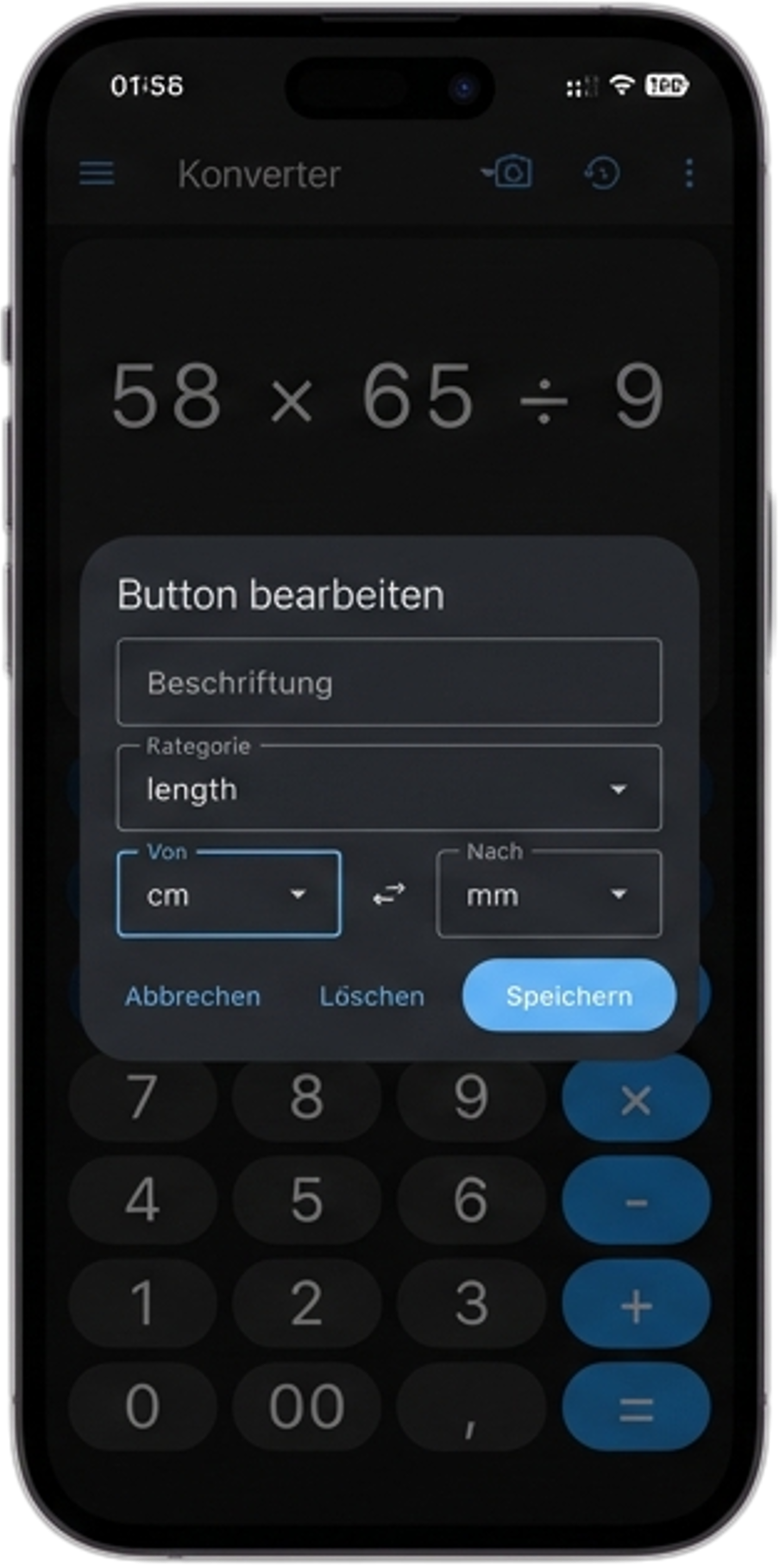
Keep common conversions close.
Set up converter keys for the values and units you use often.
Start with the essentials. Go further with Pro.
The planned Free and Pro options, side by side.
Free
Everyday arithmetic, live results and memory tools. See your last ten history entries and try the extended modes.
Pro
Extended modes, up to 2,000 history entries, history export and every colour scheme.
Compare every feature
| Feature | Free | Pro |
|---|---|---|
| EVERYDAY CALCULATIONS | ||
| Arithmetic & percentagesAddition, subtraction, multiplication, division, brackets and percentages. | ✓ | ✓ |
| Live result previewSee the result as you enter your calculation. | ✓ | ✓ |
| Memory registersStore and reuse values with MS, MR, M+ and M−. | ✓ | ✓ |
| EXTENDED MODES | ||
| Scientific calculatorTrigonometry, logarithms, powers and constants. | 3 free calculation chains per local day | ✓ |
| Finance modeCustom percentage and tax keys with a result breakdown. | 3 free calculation chains per local day | ✓ |
| Unit converterLength, area, weight, volume, temperature, data, speed and time. | 3 free calculation chains per local day | ✓ |
| Time spansDate differences and time spans in a dedicated view. | 3 free calculation chains per local day | ✓ |
| TOOLS WITHIN EACH MODE | ||
| Extended function keysShow hyperbolic functions and additional constants. | With available free uses | ✓ |
| Custom finance keysSet up frequently used percentages and tax rates. | With available free uses | ✓ |
| Custom converter keysAssign frequently used conversions to dedicated keys. | With available free uses | ✓ |
| Swap unitsSwitch the source and target units directly. | With available free uses | ✓ |
| Finance toolsLoan payments, savings plans, compound interest and inflation. | With available free uses | ✓ |
| Date toolsDifferences, business days, age and a live countdown. | With available free uses | ✓ |
| HISTORY & EXPORT | ||
| Saved historyReview earlier calculations and reuse results. | Latest 10 | Up to 2,000 |
| History exportCopy calculations or export them as CSV. | ✗ | ✓ |
| APPEARANCE & CONTROLS | ||
| Light & dark modeAdjust the appearance to your surroundings. | ✓ | ✓ |
| Colour schemesGive your calculator a different colour scheme. | Standard selection | All |
| Haptics & soundChoose the feedback you want when entering calculations. | ✓ | ✓ |
| Text & keysAdjust the display and controls to your preferences. | ✓ | ✓ |
Each extended mode includes three free successful calculation chains per local day. Opening a mode does not use an allowance. Active Pro removes this daily limit; some existing users may retain a one-time bonus from earlier free uses. Pro unlocks the extended modes, full history, export and all colour schemes. Purchase options and prices are shown in the app.
Questions about Calculator 365?
Get help with the modes, history or Free and Pro. You can also read the app policies or email us.
Email us