 M-Launcher
Your apps. Within reach.
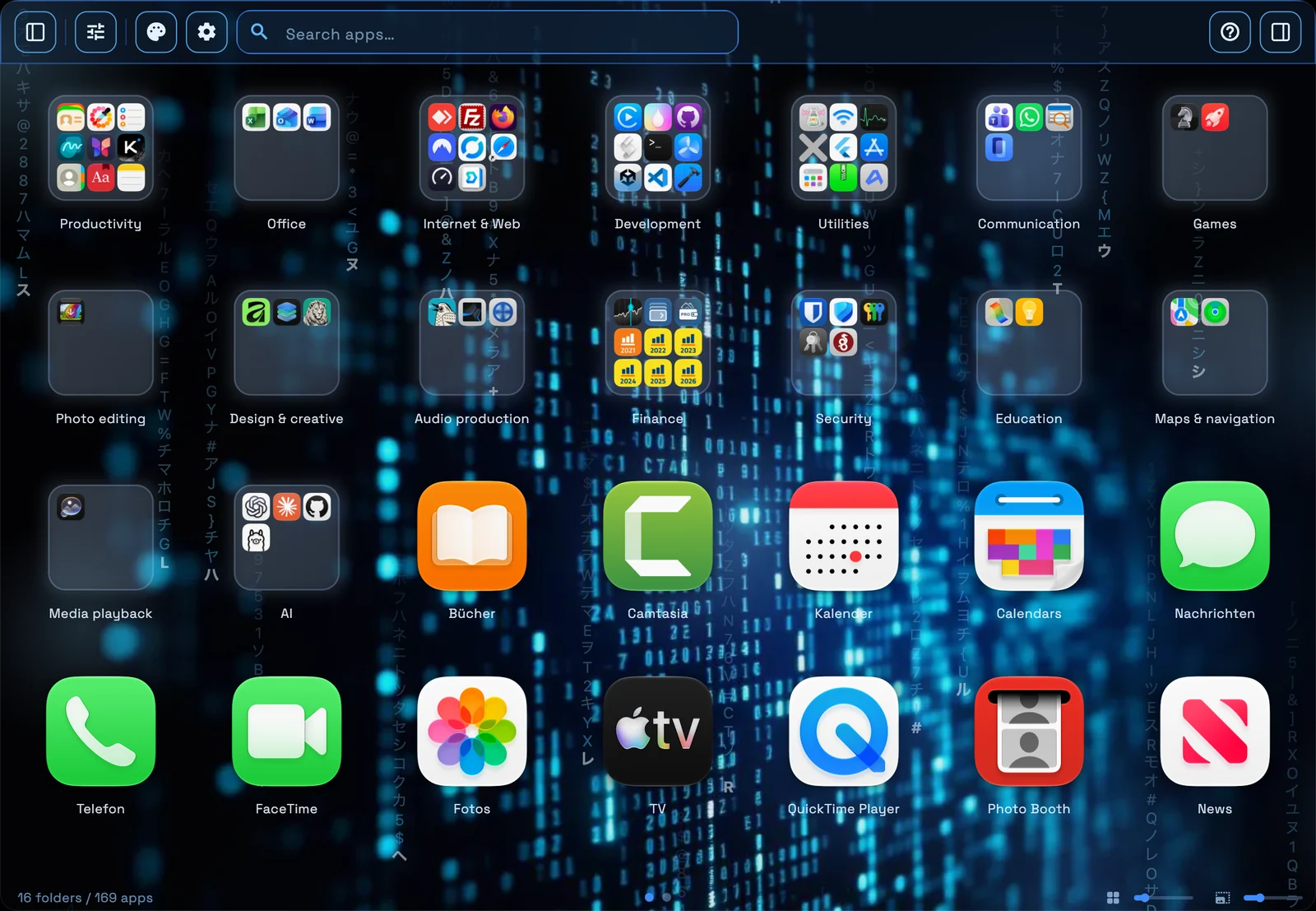
Find and launch your Mac apps from a familiar grid. Bring your own order with folders, tabs and a shortcut that is always close at hand.

For Mac · Free with in-app purchases
Search your apps or open the launcher with your global hotkey.
Keep related apps together in folders, tabs and pages.
Choose your look and adjust the grid to fit your setup.
Find it. Group it. Make it your own.
A familiar starting point, with room for the way you work. Explore how M-Launcher fits your workflow.
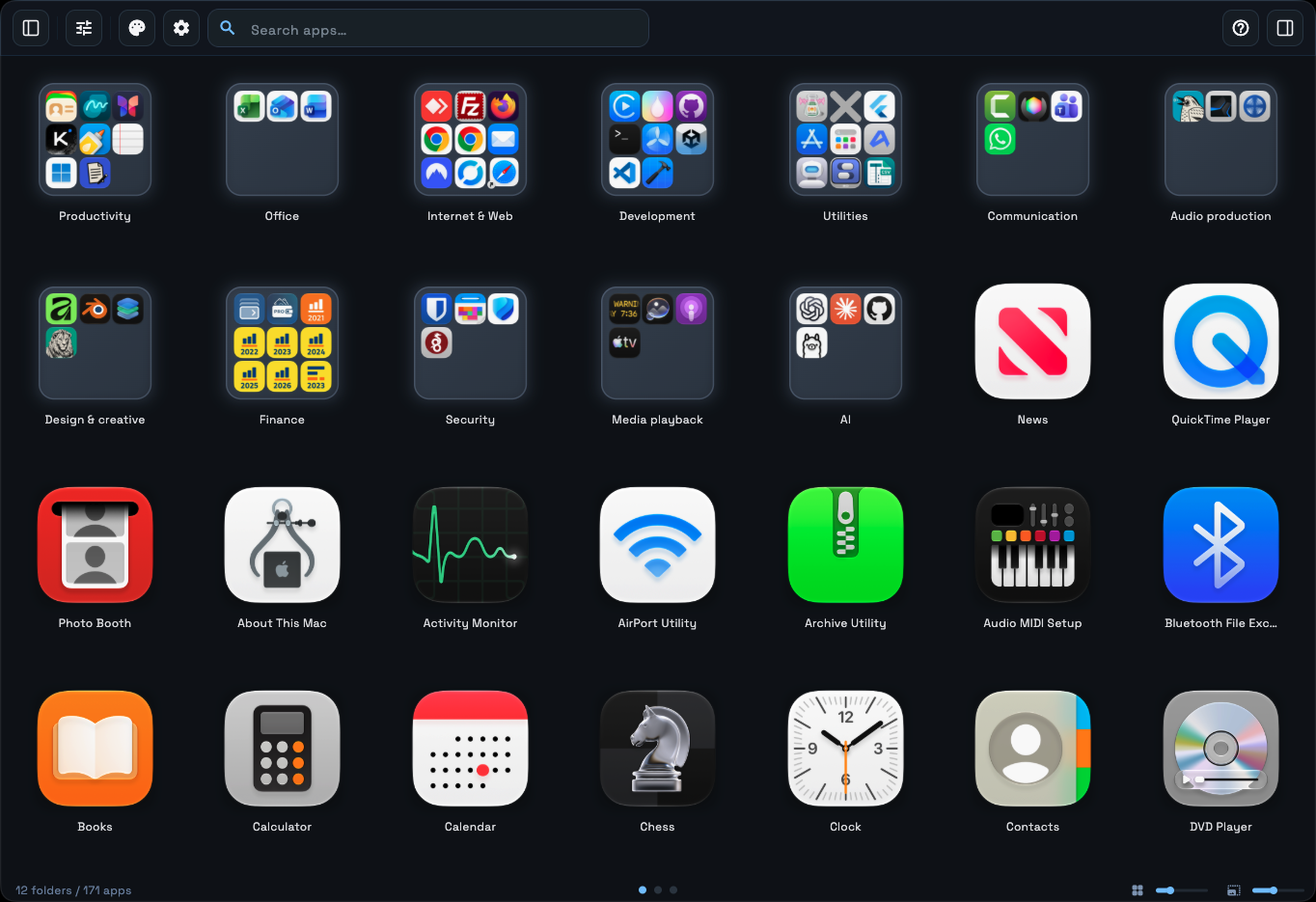
Start with what you know.
Your apps and folders in a familiar grid. Keep the window simple with both sidebars hidden.
- App grid
- Search at the top
- Adjustable icon sizes
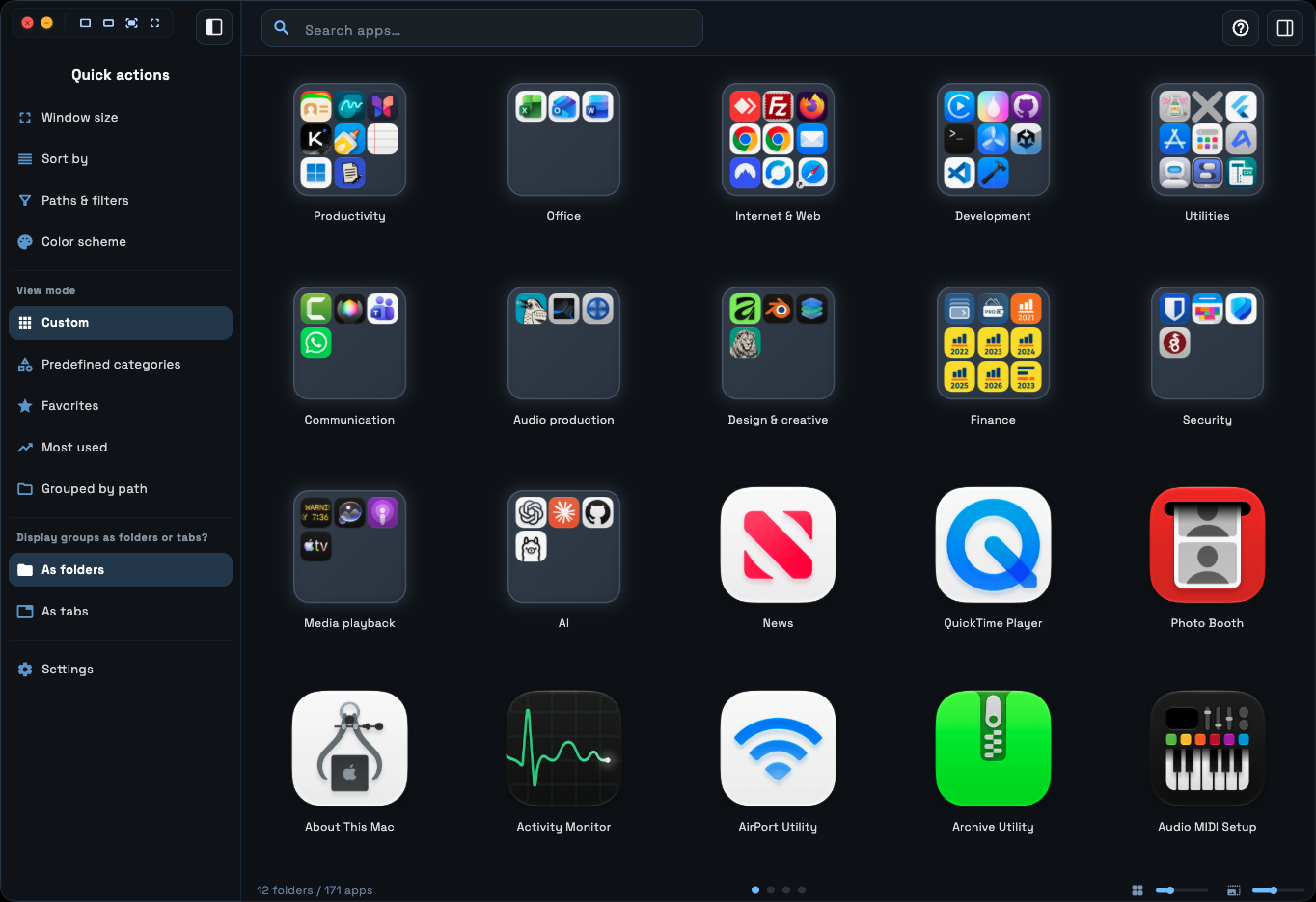
The next step, close by.
Open the Explorer sidebar for your views and quick actions, without leaving your app collection.
- Five view modes
- Folders or tabs
- Quick access to settings
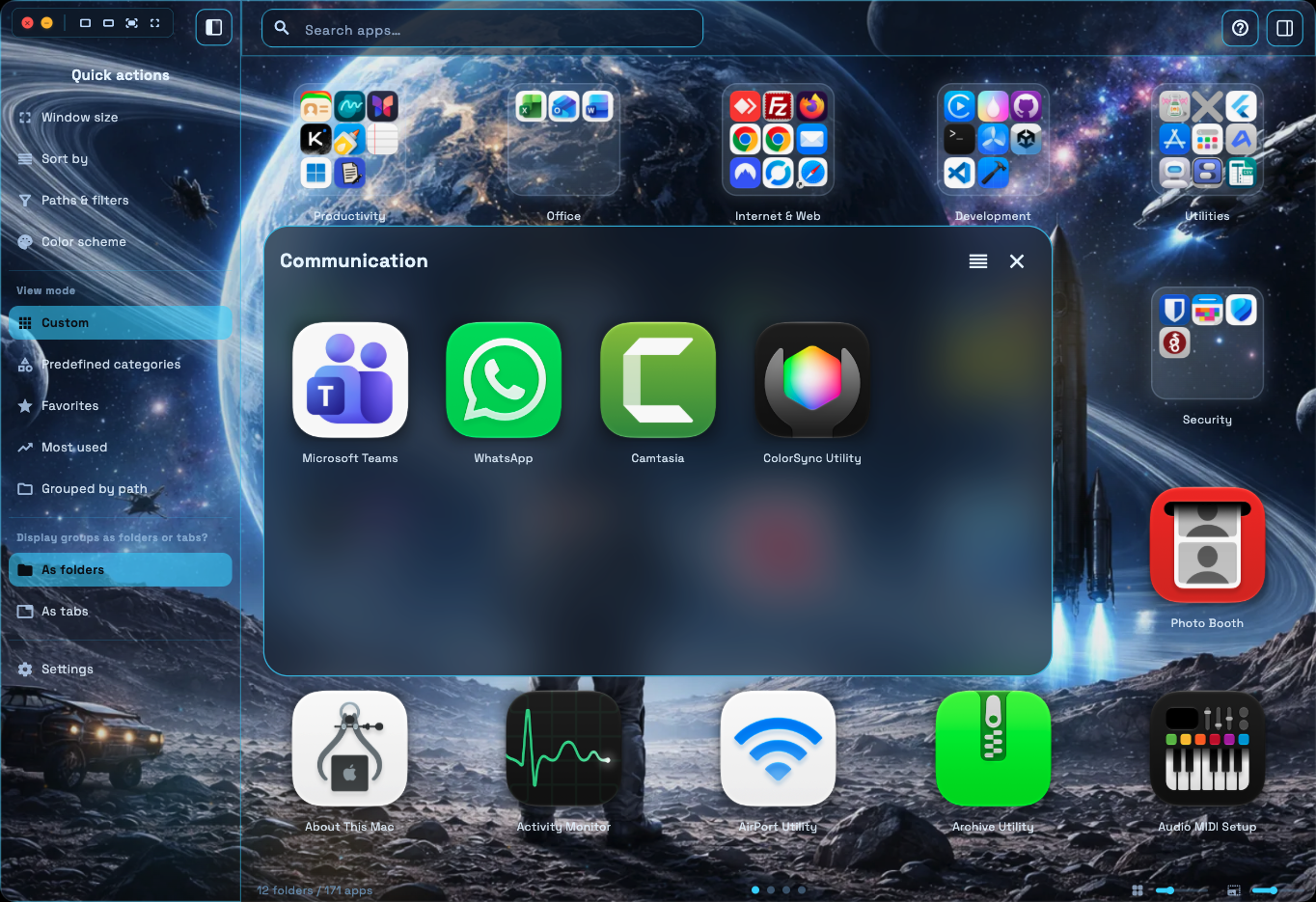
Related apps. Together.
Open a folder over the grid and focus on the tools you need for the task.
- Named groups
- Folder popup
- Your own arrangement
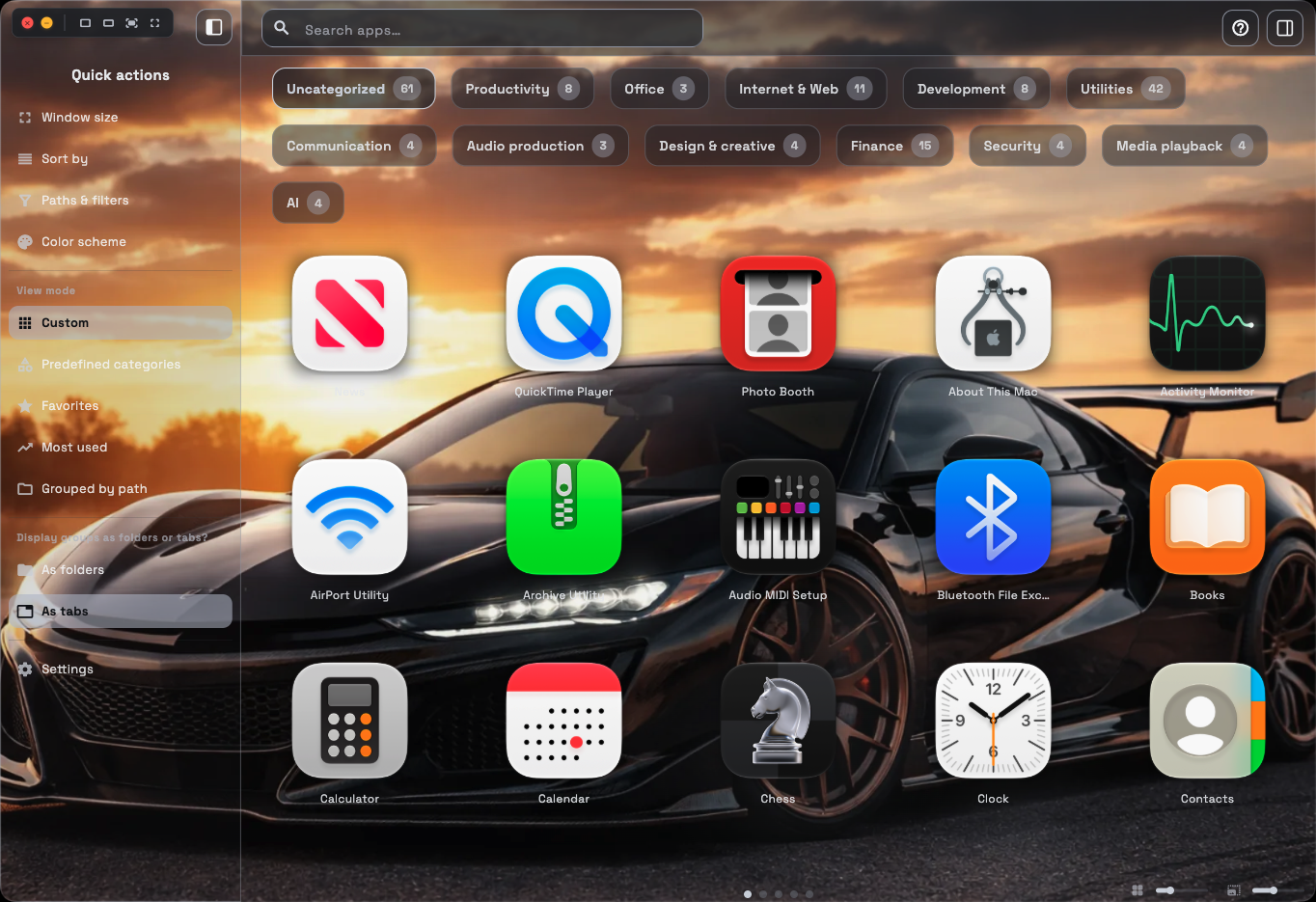
Your groups, one tab away.
Use tabs to keep the same organisation directly in the window. Switch between folders and tabs as you work.
- One shared group structure
- Named tabs
- App counts at a glance
A place for each project.
Pinned pages keep app assignments in place. Free includes two pinned pages; Pro adds more and lets you name them.
- Flowing or pinned pages
- Page navigation
- Page names with Pro
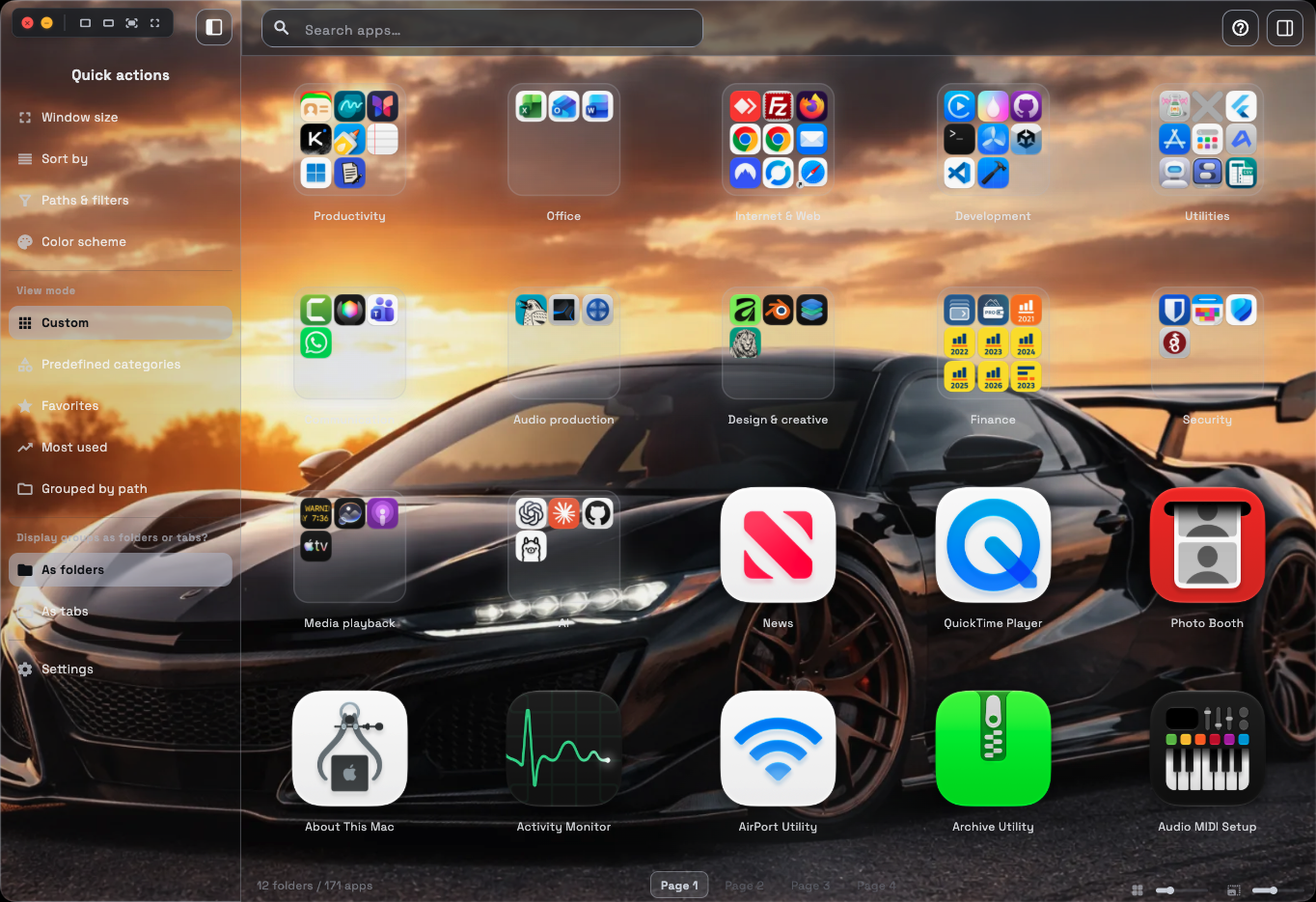
A look that feels like your Mac.
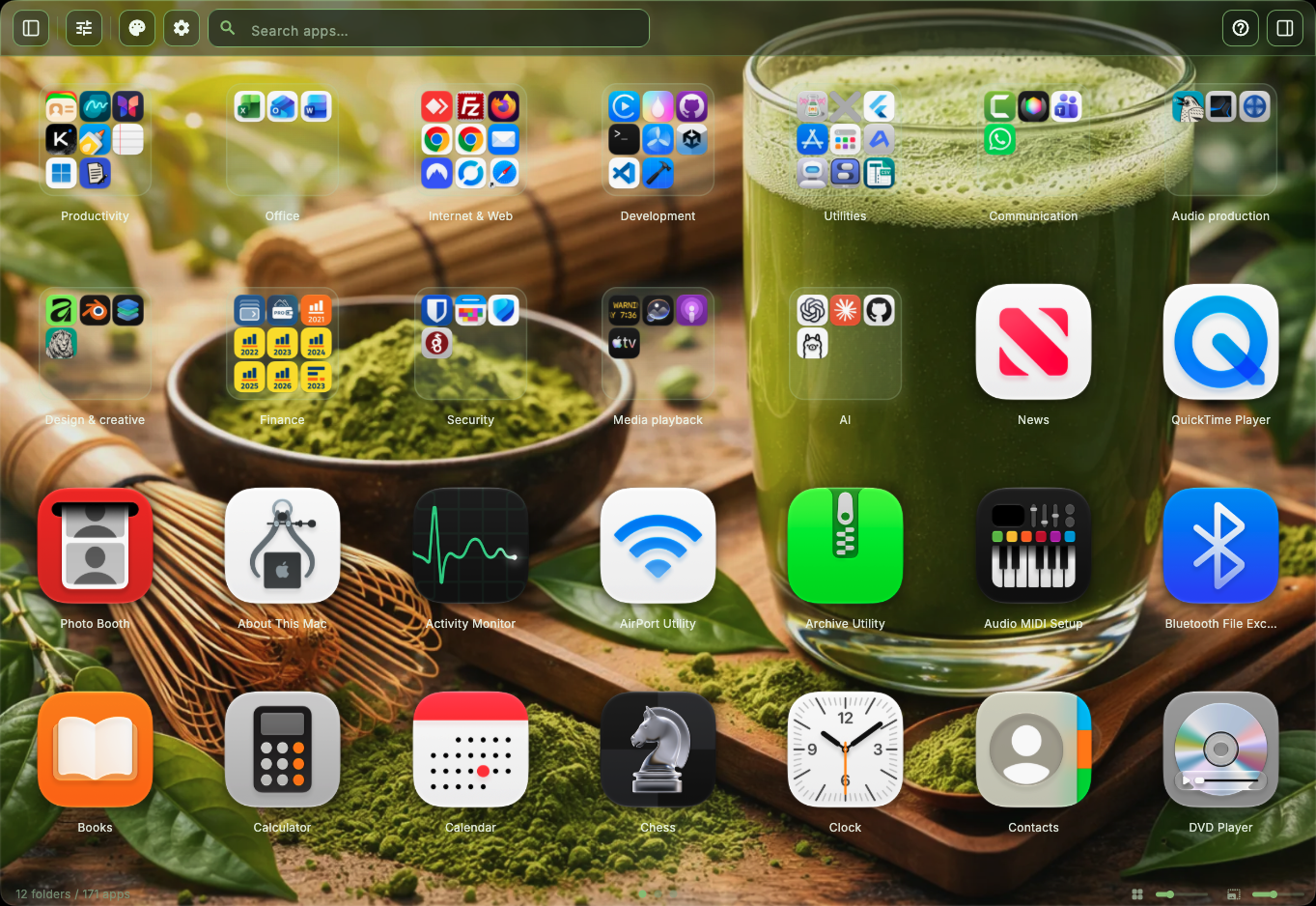
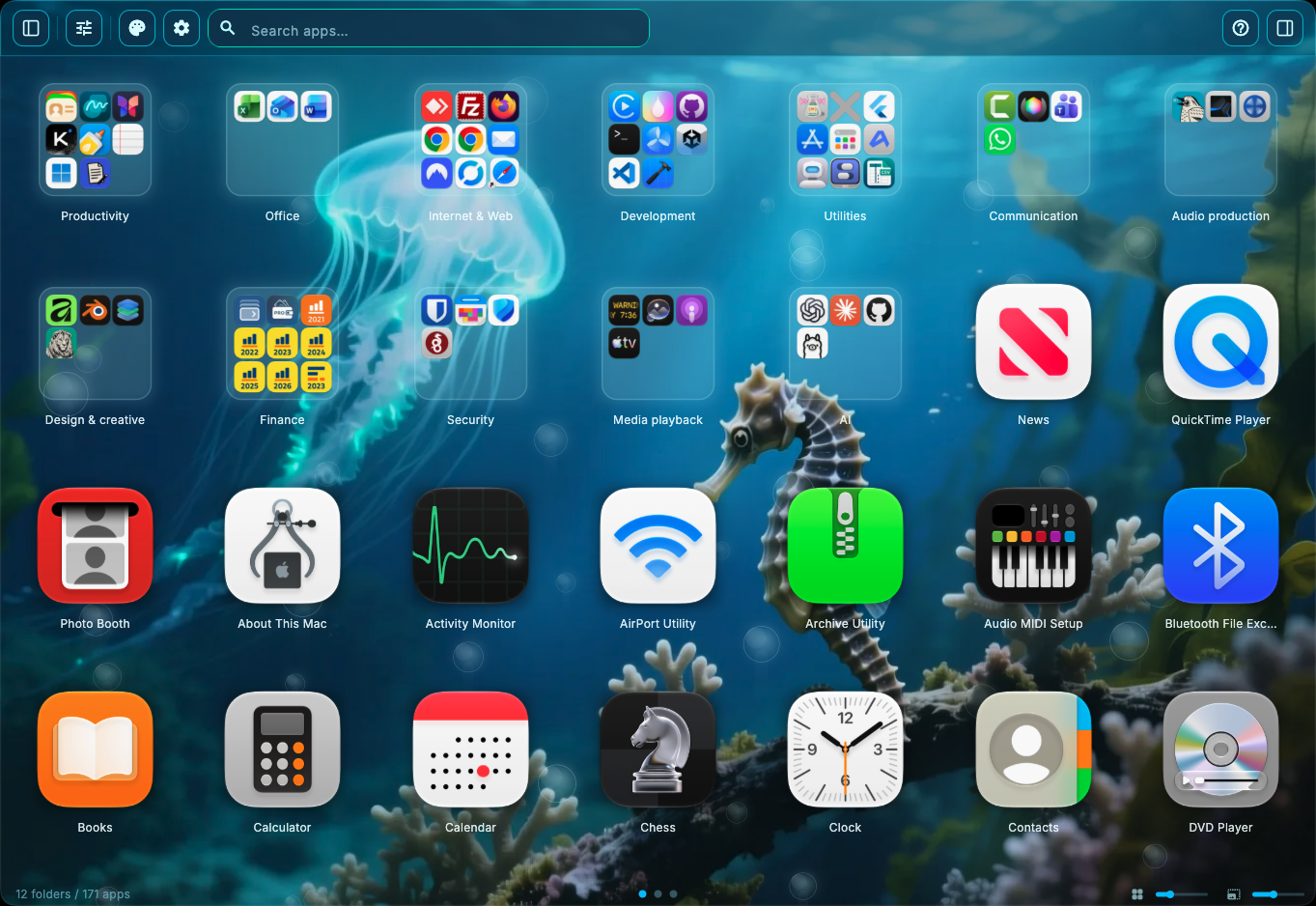
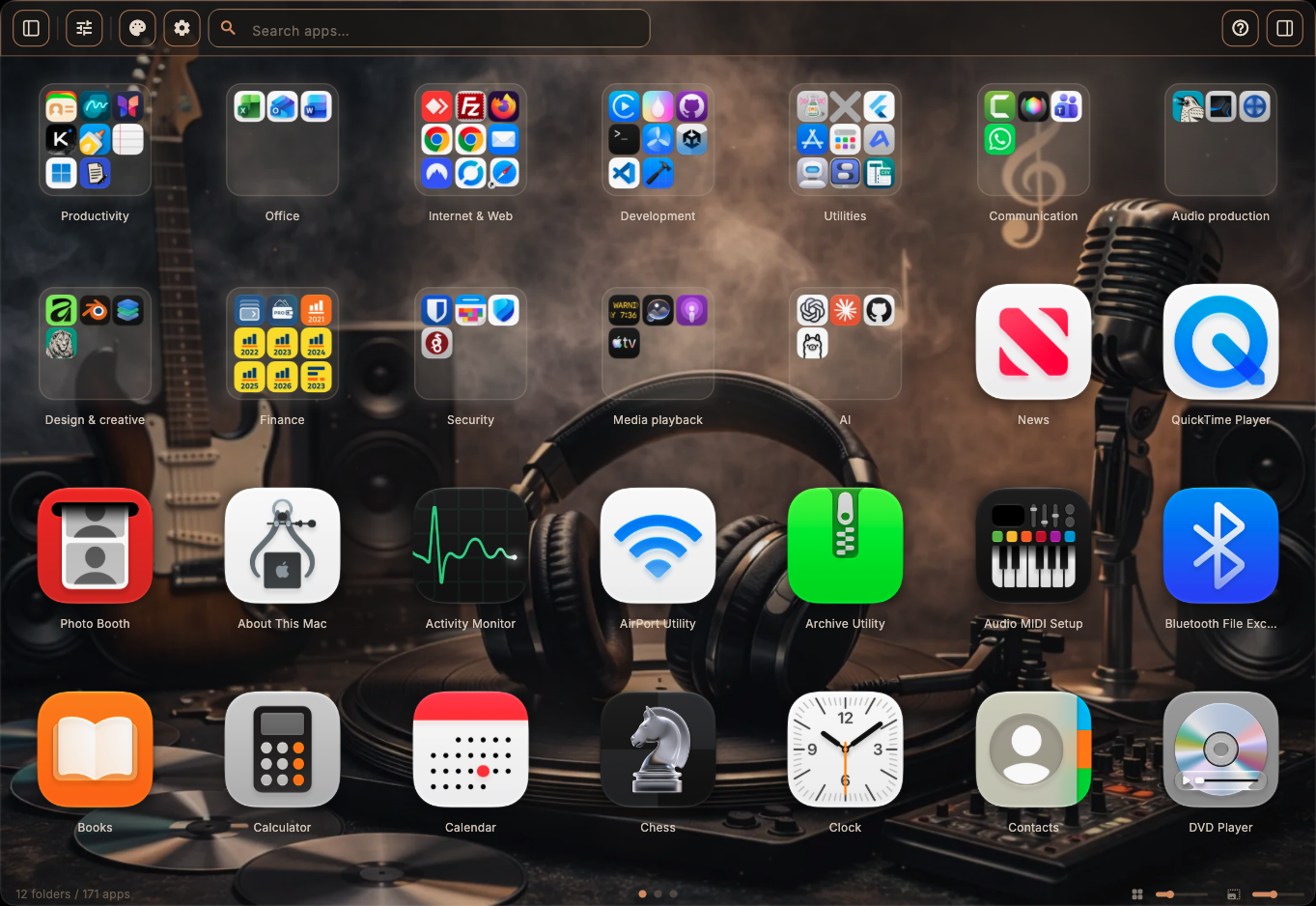
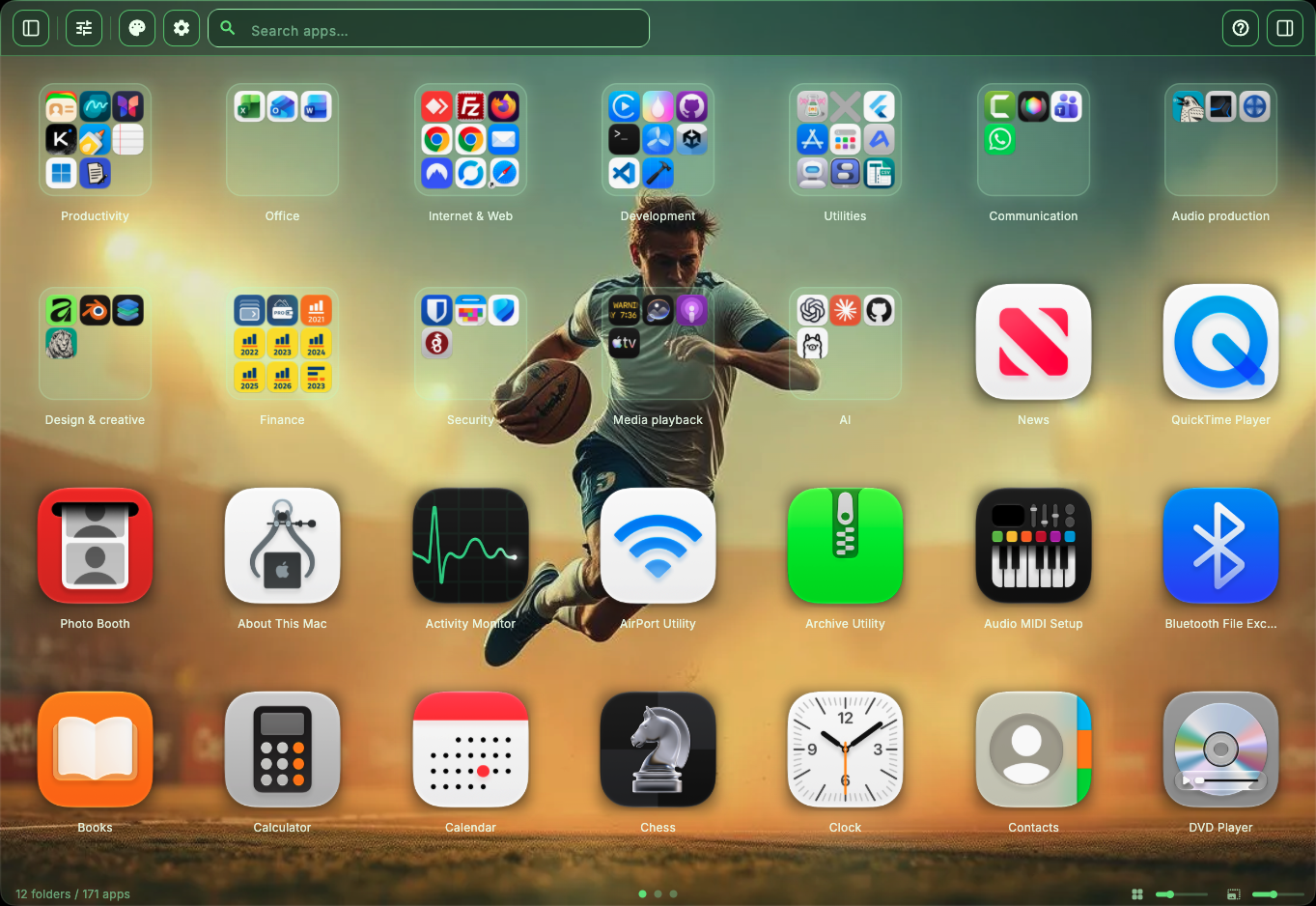
Choose from 38+ themes in Pro, with a selection included in Free. Adjust icon sizes, spacing and labels to make the grid comfortable.
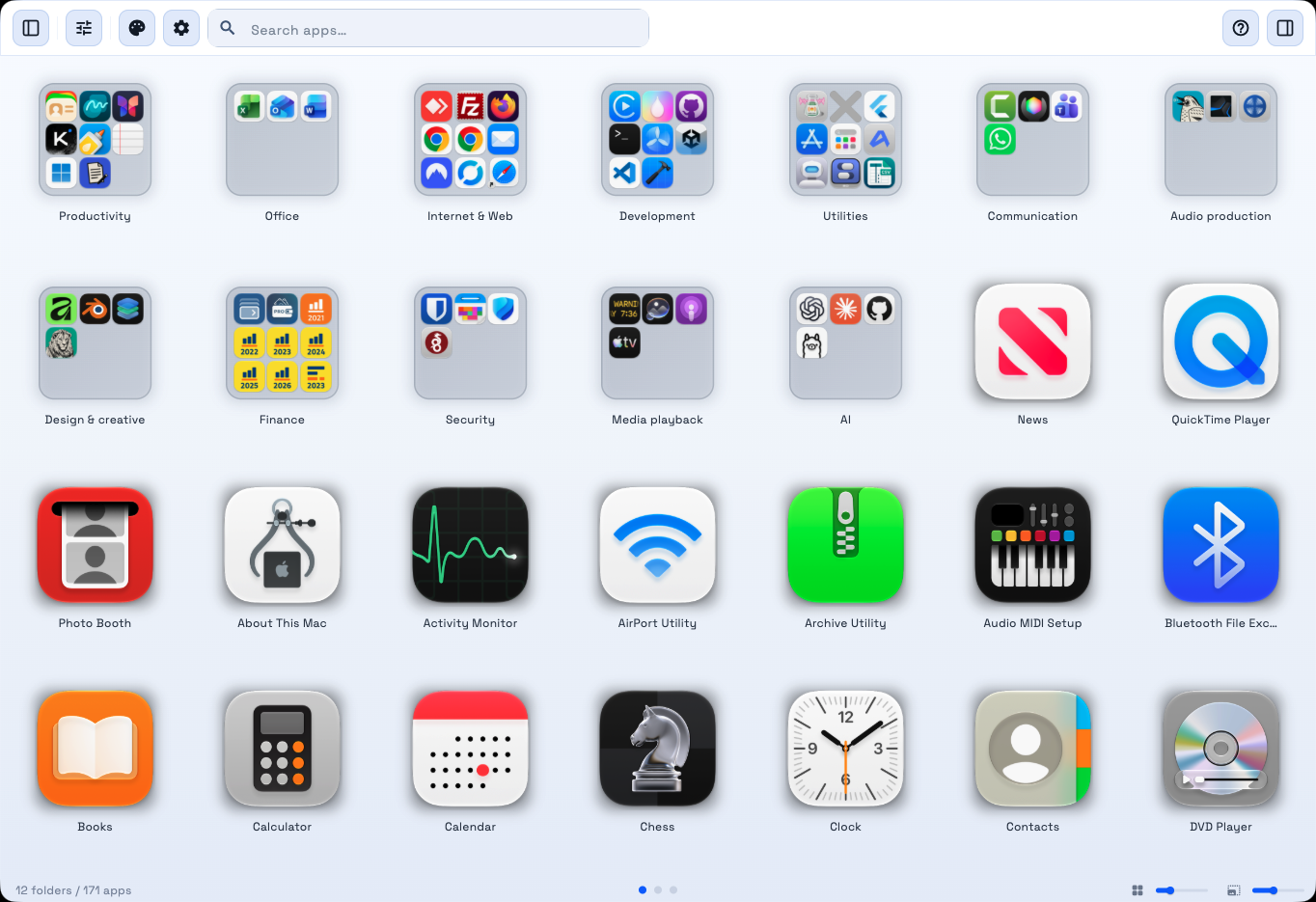
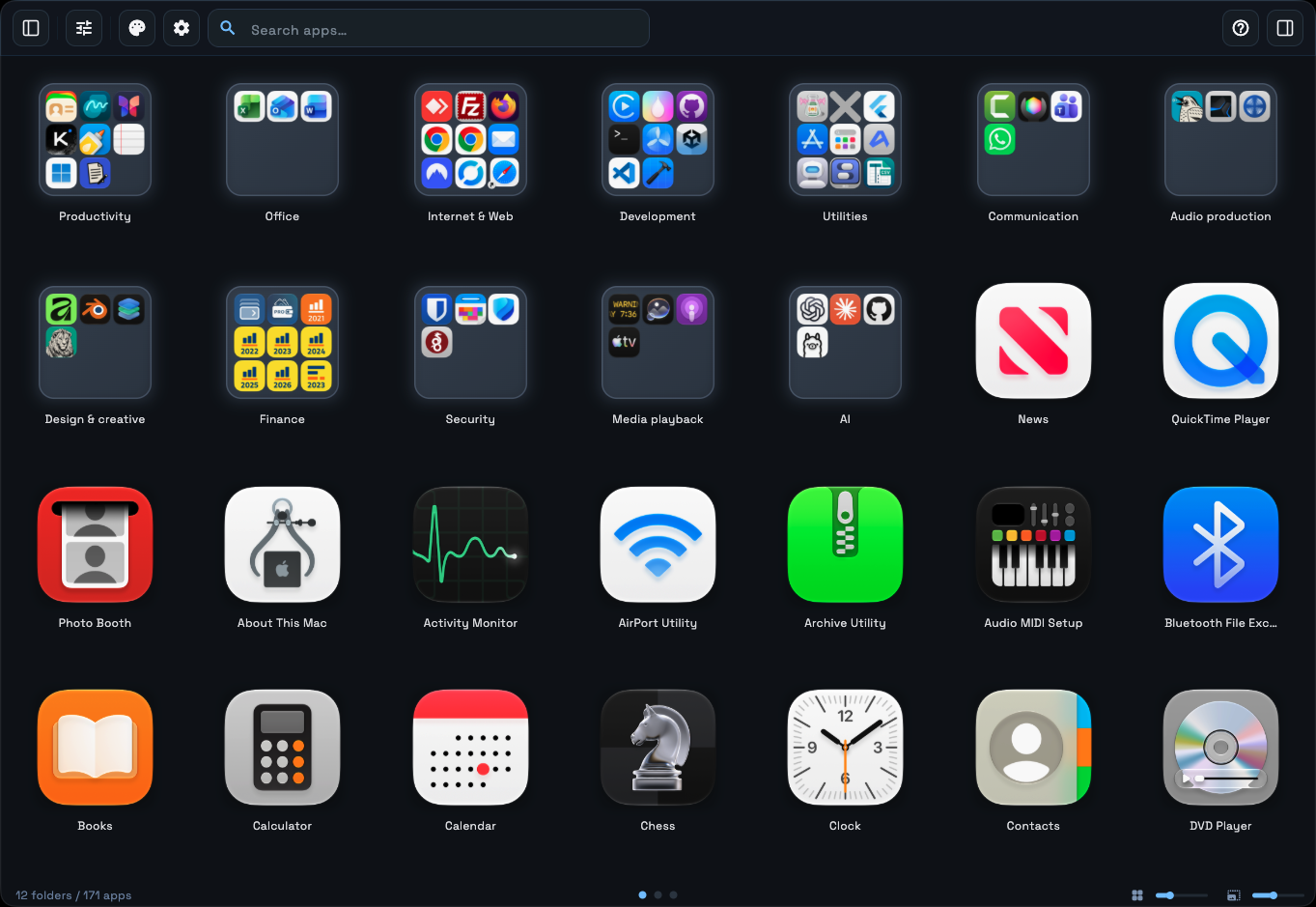
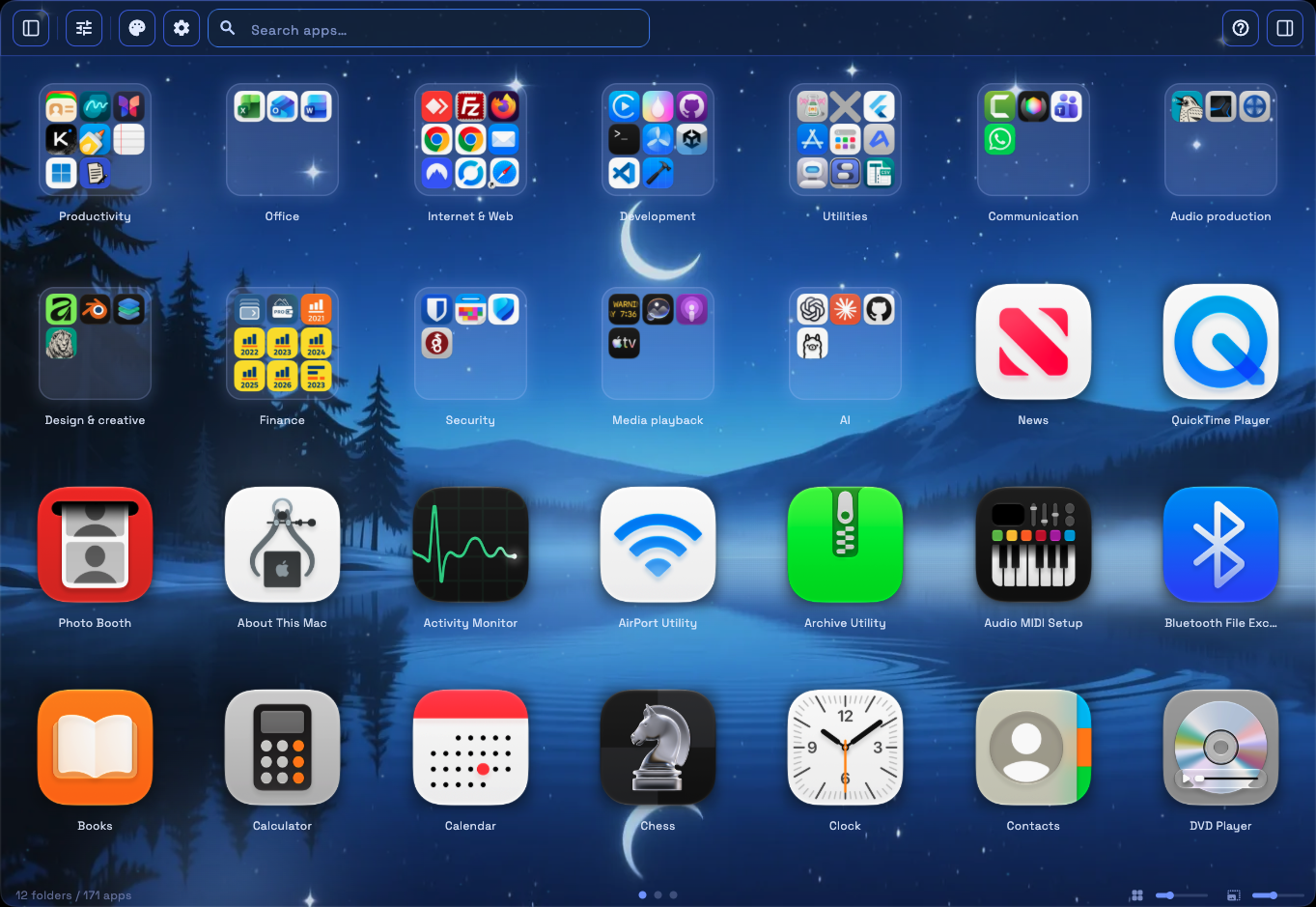
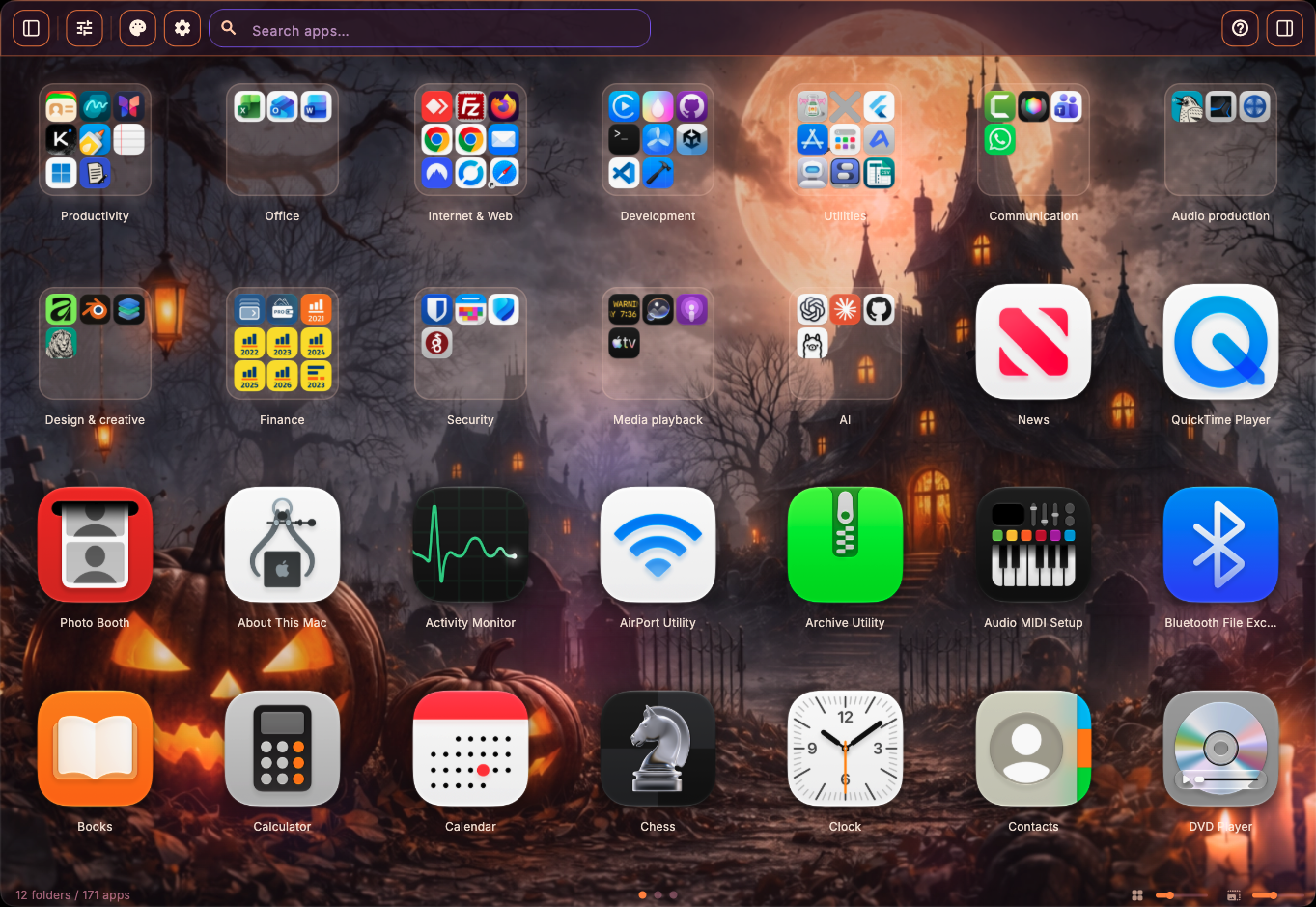
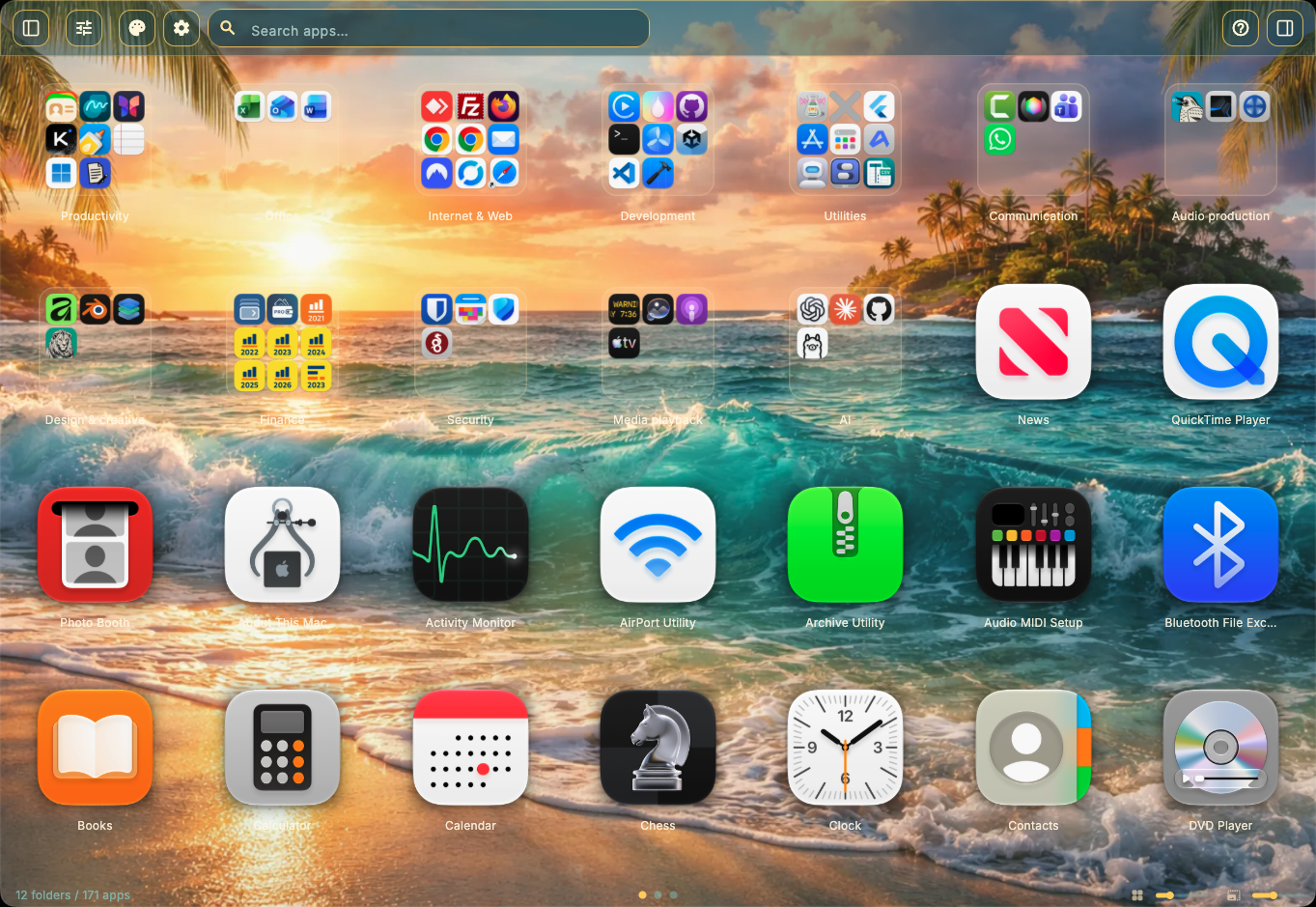
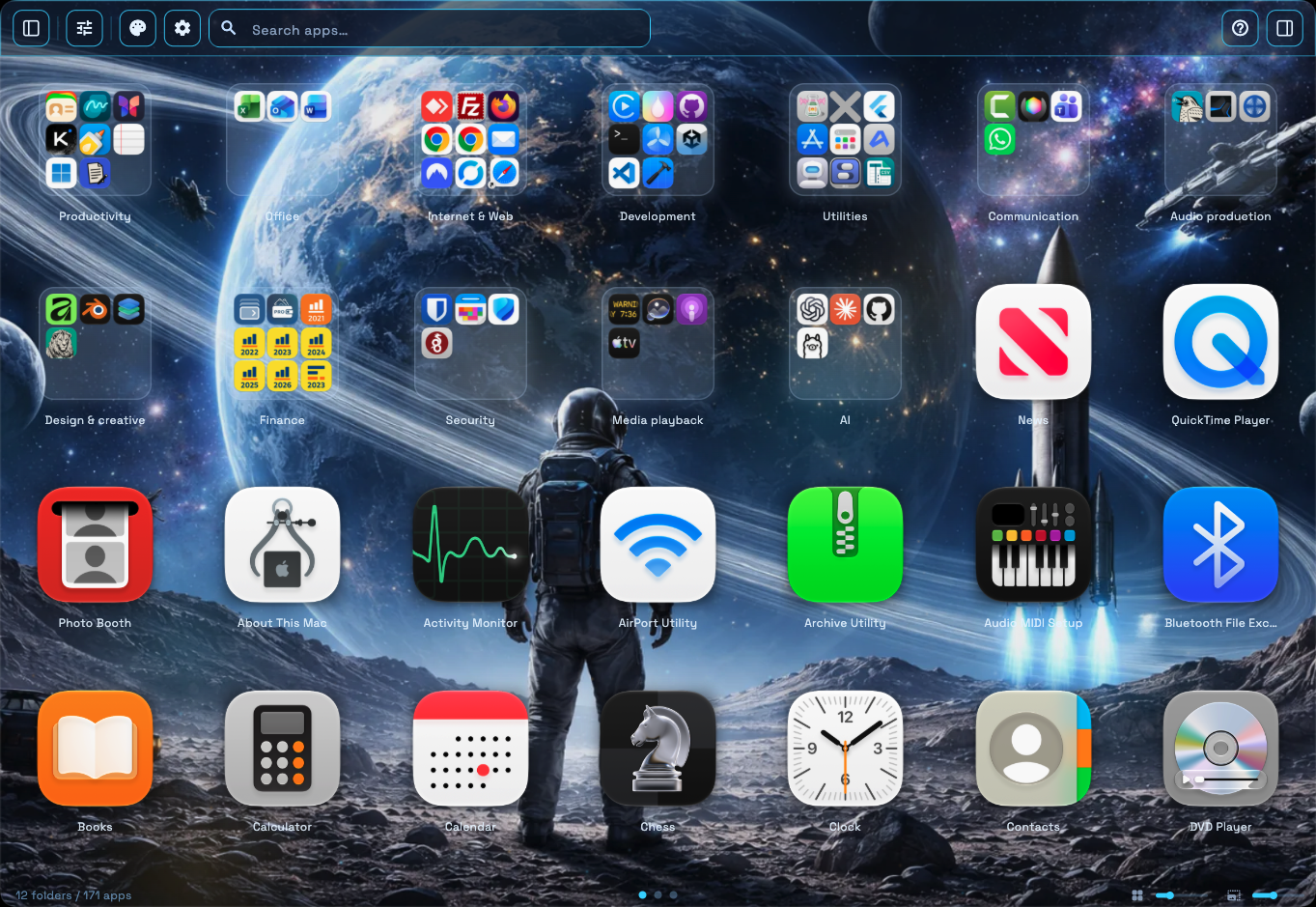
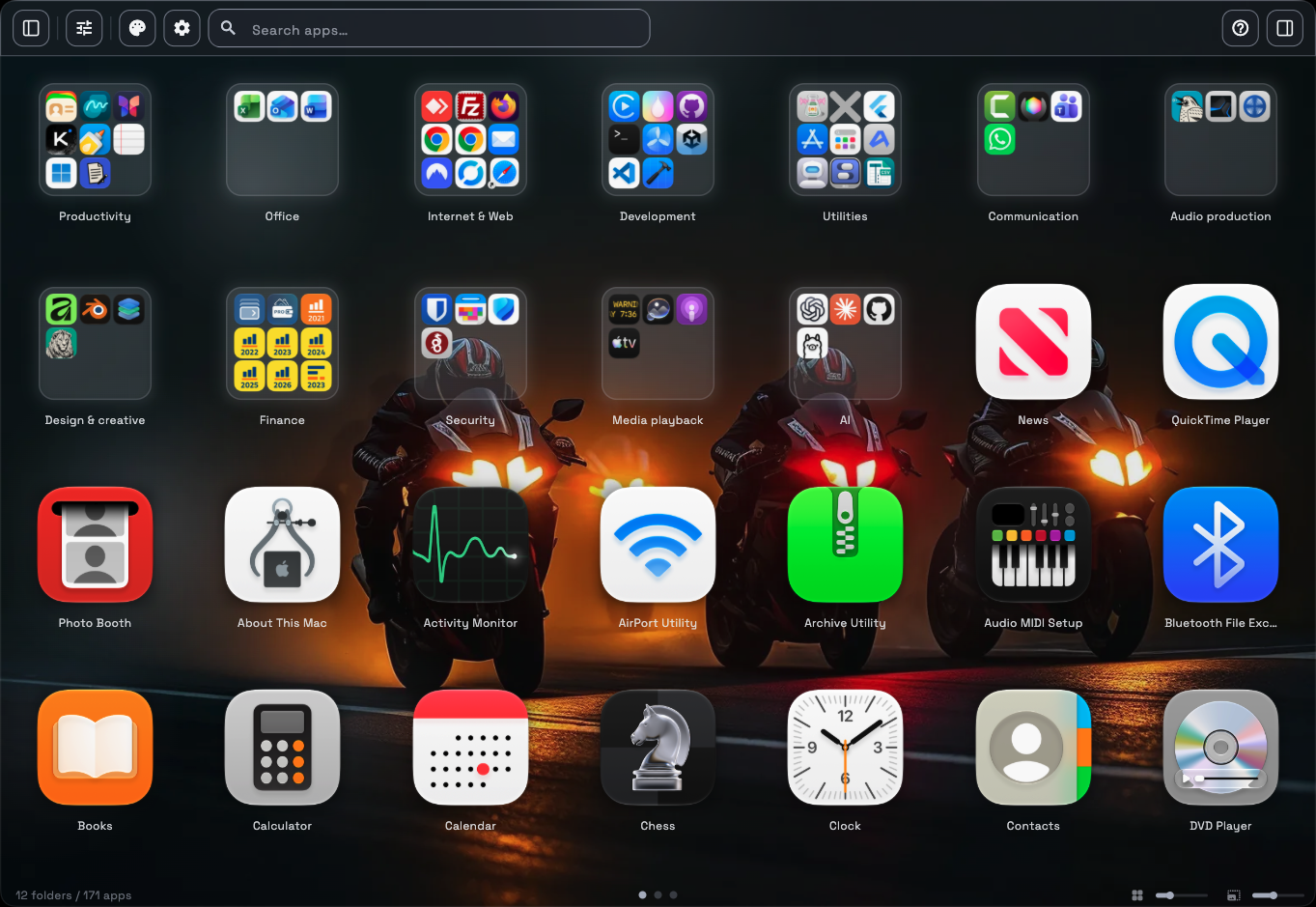
Your everyday tools. Room to do more.
Start with the everyday tools. Add Pro when you want more organisation and personalisation.
Free
The app grid, search, five views and both sidebars. Organise up to four groups and two pinned pages.
Pro
More room for groups and pages, all themes, custom app sources, renaming, hiding and settings export.
Compare every feature
| Feature | Free | Pro |
|---|---|---|
| Window & interface | ||
| App Launcher ViewClear app grid with Explorer & detail sidebar | ✓ | ✓ |
| Four window sizes · multilingualSmall, medium, maximised or full screen. Choose a language or follow your system. | ✓ | ✓ |
| Variable Icon & Folder SizeAdjust size of icons and folders | ✓ | ✓ |
| Variable Icon & Folder SpacingGrid spacing as you like: compact or airy | ✓ | ✓ |
| Explorer BarExplorer bar for quick access | ✓ | ✓ |
| SidebarApp metadata and folder contents in the sidebar. | ✓ | ✓ |
| Organisation & views | ||
| Folders & TabsOrganize apps in groups | Max. 4 | Unlimited |
| Display as Folders or TabsSwitch between folder and tab view | ✓ | ✓ |
| 5 View ModesCustom, Predefined Categories,Favorites, Most Frequently Used, Grouped by Path | ✓ | ✓ |
| Manual SortingArrange apps via drag & drop | ✓ | ✓ |
| A–Z & Z–A sortingSort apps alphabetically in either direction. | ✓ | ✓ |
| Custom DirectoriesScan additional app folders | ✗ | ✓ |
| Auto-suggested Directoriese.g., apps from your user account or Windows apps from Parallels | ✗ | ✓ |
| Multiple selectionSelect multiple apps for organisation. | ✓ | ✓ |
| Fixed pagesKeep app assignments in a fixed page layout. | Max. 2 | More pages |
| Rename pagesChoose your own page names. | ✗ | ✓ |
| Design & themes | ||
| ThemesBackground image, gradient, adjustable blur | Selection included | All themes |
| Adjustable Font SizeCustomize text size in grid and sidebar | ✓ | ✓ |
| Custom Background ImagePersonal image as background | ✗ | ✓ |
| Customize Tray IconChange menu bar icon | ✗ | ✓ |
| Automatic zoomBring app icons closer when browsing. | ✓ | ✓ |
| Custom fontsUse your own typeface for app labels. | ✗ | ✓ |
| App management | ||
| Rename AppsAssign custom names for apps | ✗ | ✓ |
| Hide AppsHide unwanted apps | ✗ | ✓ |
| Show in FinderOpen app path directly | ✗ | ✓ |
| Backup & settings | ||
| Export & ImportSave & transfer settings | ✗ | ✓ |
Pro is an in-app purchase. See the Mac App Store for the purchase options and prices in your region. Features may vary by installed version.
Keyboard shortcuts
Defaults can be changed in the app.
- ⌥ Space
- Open M-Launcher · configurable global hotkey
- ⌘ 1 … 5
- Switch between the five views
- ⌘ M
- Toggle selection mode
- ⌘ G
- Switch folders / tabs
- ⌘ O
- Create a group
- ← / →
- Move between pages
- ⌘ B
- Toggle the detail sidebar
- ⌘ ⌥ B
- Toggle the Explorer sidebar
- ↵
- Open the focused app
Watch M-Launcher in action
A little help, when you need it.
Find help for M-Launcher, read the app policies or email us about a specific question.
Email us